Support, Feedback & Feature Requests
The Help tab in Infinite Pilot Logbook provides a simple way to contact support, ask questions, report issues, and contribute to the future of IPL through feature requests and community feedback.
Last updated 10 months ago
Accessing Help in IPL
You can open the Help section from:
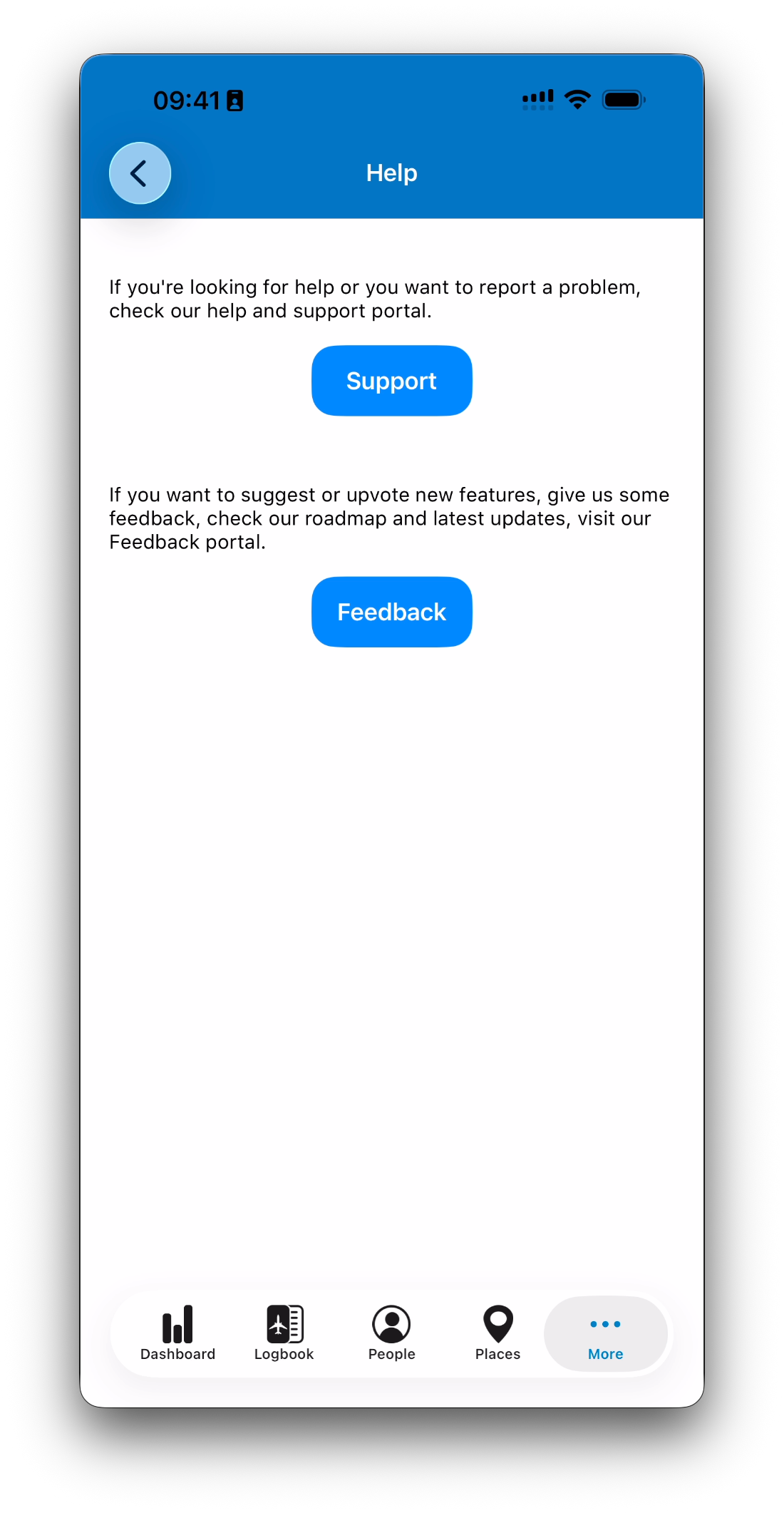
More → Help
From there, IPL offers two separate entry points:
Support — for help center access, assistance and bug reports
Feedback — for feature requests, roadmap and changelog tracking
Support: Questions and Problem Reporting
The Support button is the right place to go if you:
Have a question about how IPL works
Encounter a bug or unexpected behavior
Need help with imports, subscriptions, or logbook features
Want to contact the IPL team directly
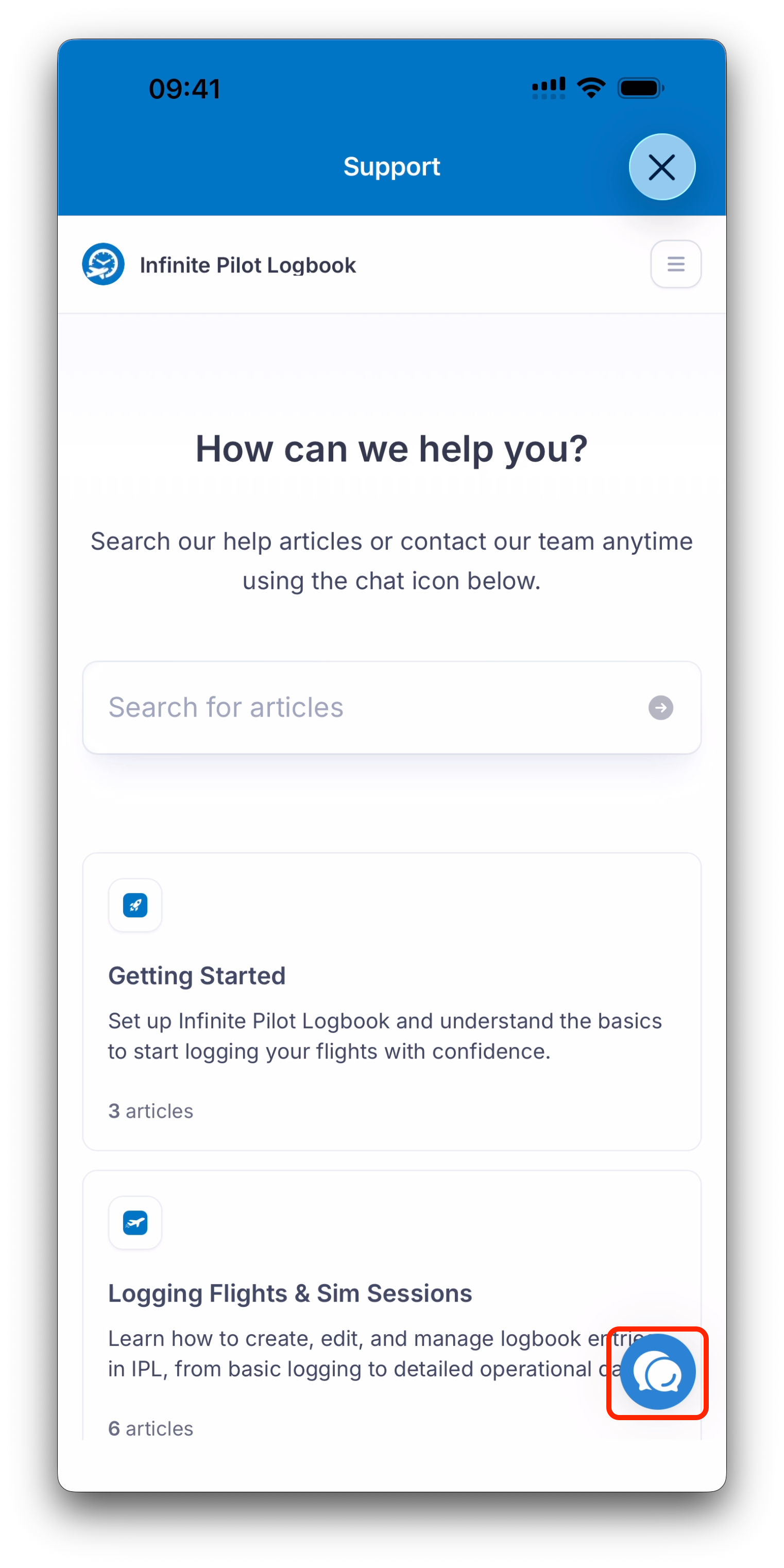
Support opens an in-app interface powered by Featurebase.
What You Can Do in Support
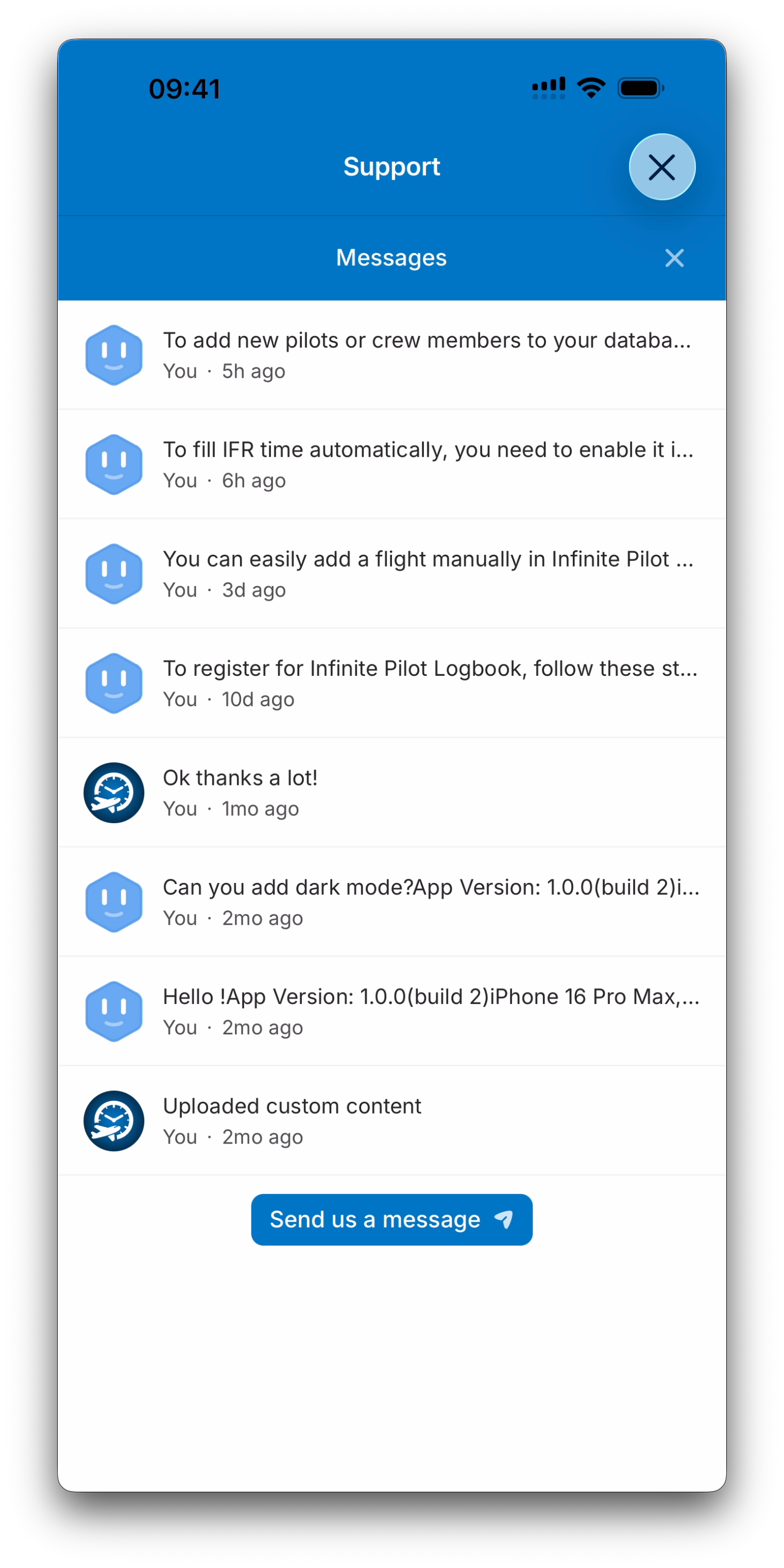
Inside Support, you can:
Send messages directly to the IPL team
Search help articles
This keeps support conversations centralized and easy to follow.
Feedback: Feature Requests and Roadmap
The Feedback button is intended for pilots who want to help improve IPL.
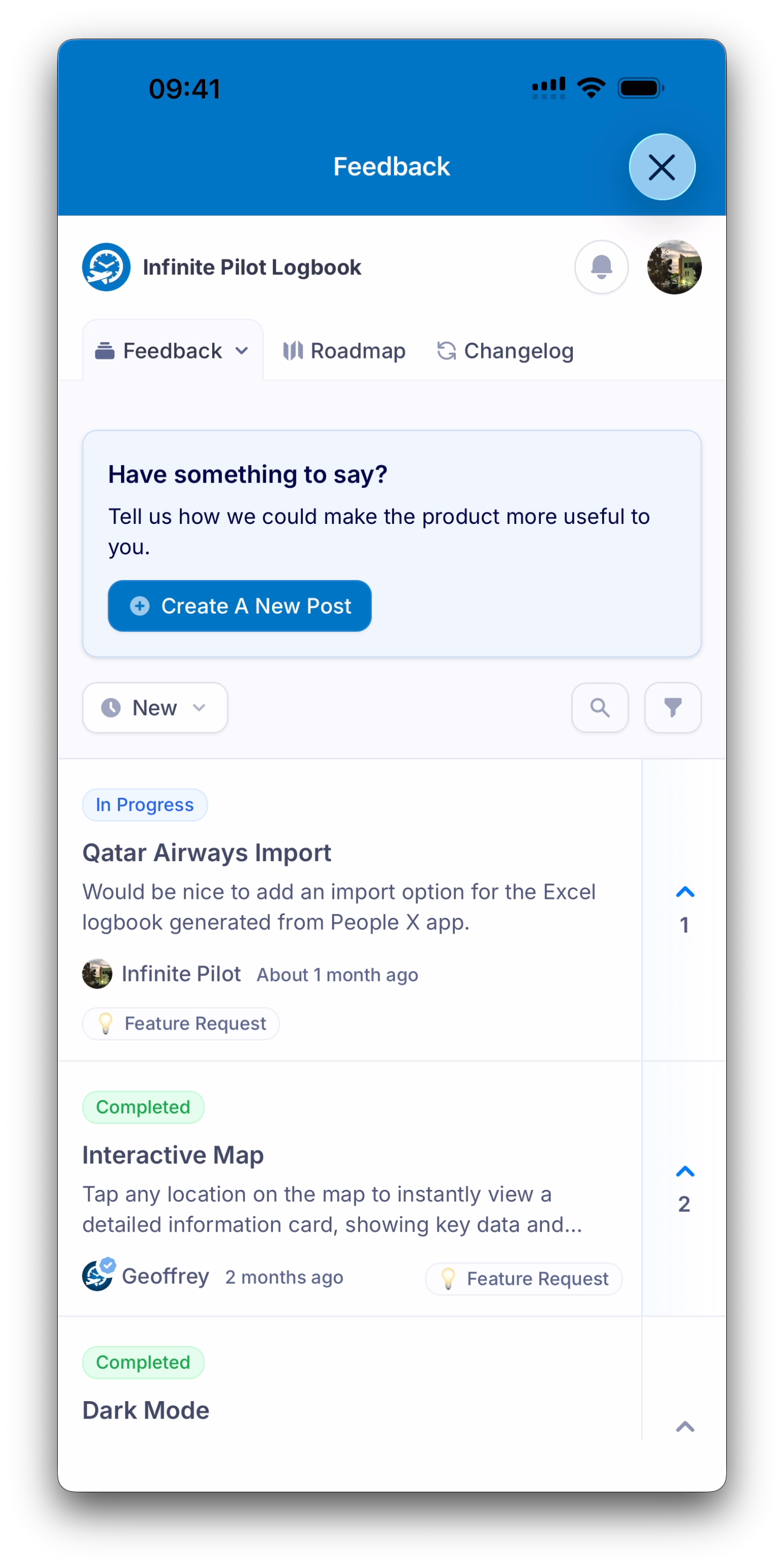
It allows you to:
Suggest new features
Upvote existing requests
Comment and discuss ideas
Follow the public development roadmap
Feedback opens IPL’s community portal, also powered by Featurebase.
Roadmap and Updates
The Feedback portal includes several sections such as:
Feedback — requests and discussions
Roadmap — in review, planned, in progress and completed features
Changelog — release notes and updates
Seamless Access from the App
IPL automatically manages the required Featurebase account in the background.
This means you can immediately:
Send support messages
Submit feedback
Upvote and interact with requests
No manual signup is required when accessing Support or Feedback from inside the app.
Best Practice
For the best experience:
Use Support for questions, bugs, or account issues
Use Feedback to suggest improvements and track what’s coming next
Both tools help IPL remain pilot-driven and continuously improving.
What’s Next
This concludes the Settings, Account & Support collection.
You can now explore the other Help Center collections to learn more about logging flights, managing your database, tracking certificates, and exporting your logbook.
Was this helpful?
Still need help? Share an idea