Registration and Sign In
Getting started with Infinite Pilot Logbook (IPL) is quick and simple. This guide walks you through creating an account, signing in, and activating your account.
Last updated 8 months ago
Welcome Screen
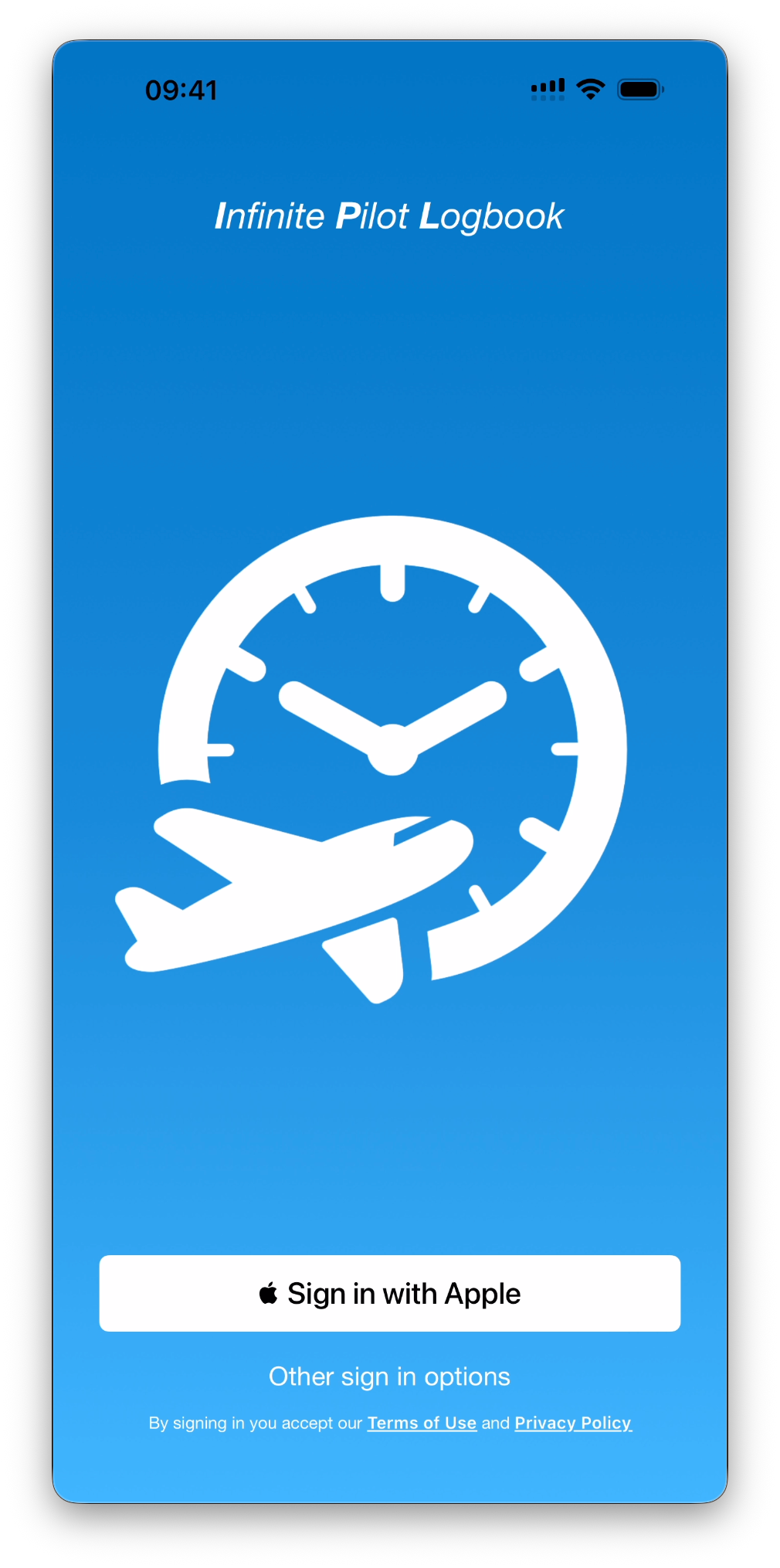
When you launch Infinite Pilot Logbook for the first time, you’ll arrive on the welcome screen. From here, you can:
Sign in with Apple (recommended for a fast and secure setup)
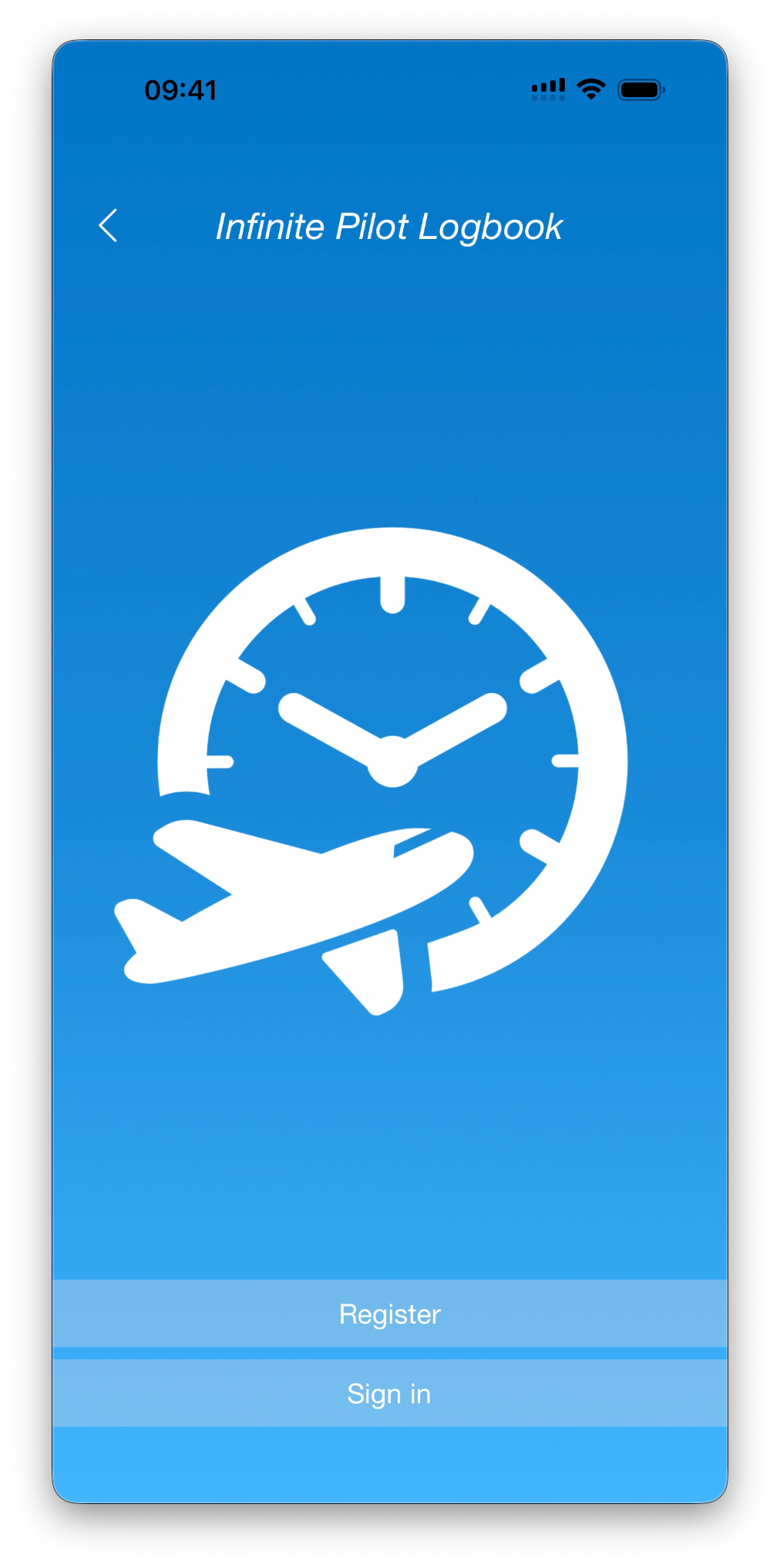
Access Other sign-in options where you can Register or Sign In
Creating an Account
If you don’t already have an account and you choose to go for Other sign in options instead of Sign in with Apple, follow these steps:
Tap Register
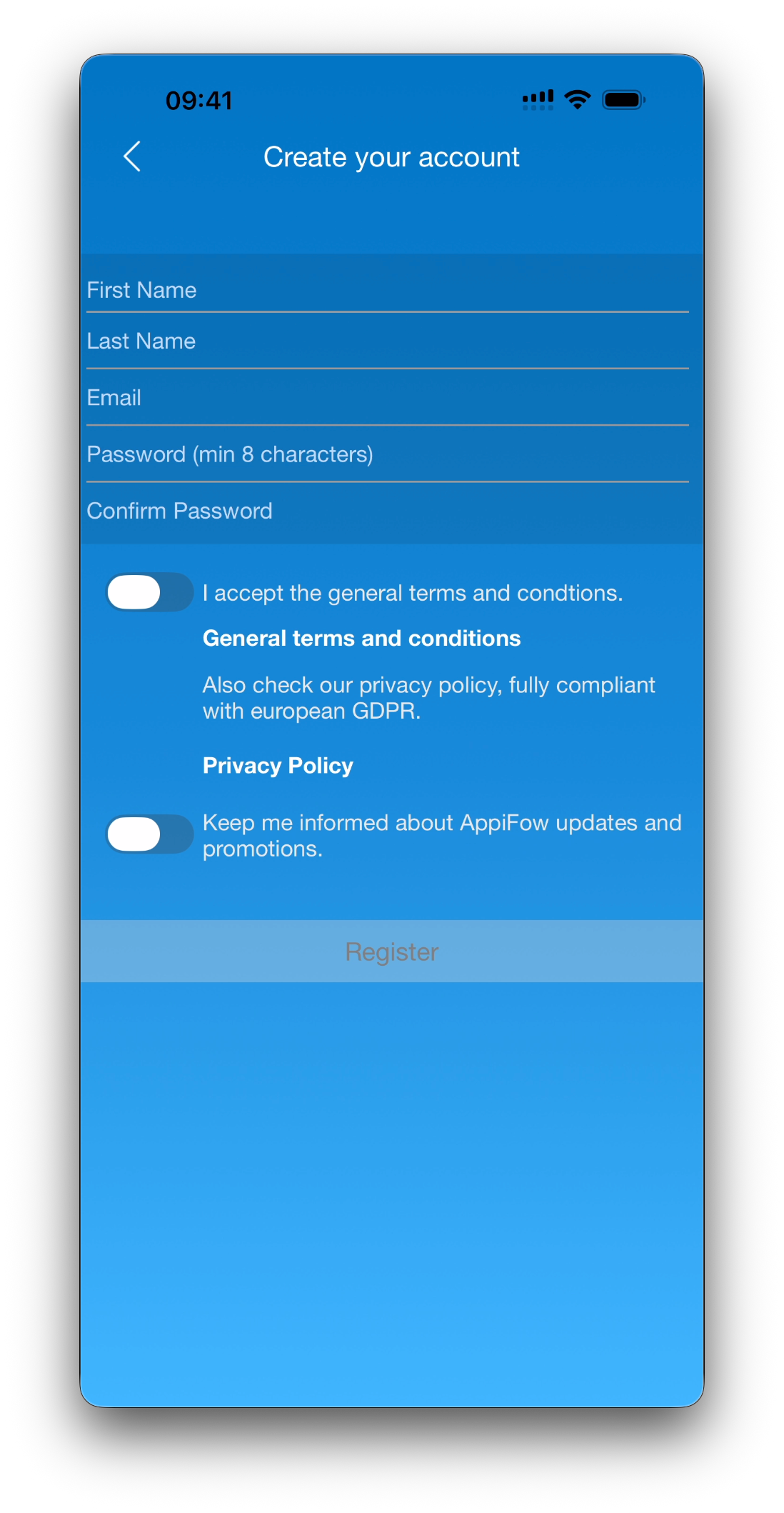
Fill in the required information:
First name
Last name
Email address
Password (minimum 8 characters)
Confirm password
Review and accept the General Terms and Conditions
(Optional) Opt in to receive AppiFow updates and promotions
Tap Register
Email Verification
After registering, you’ll be asked to verify your email address.
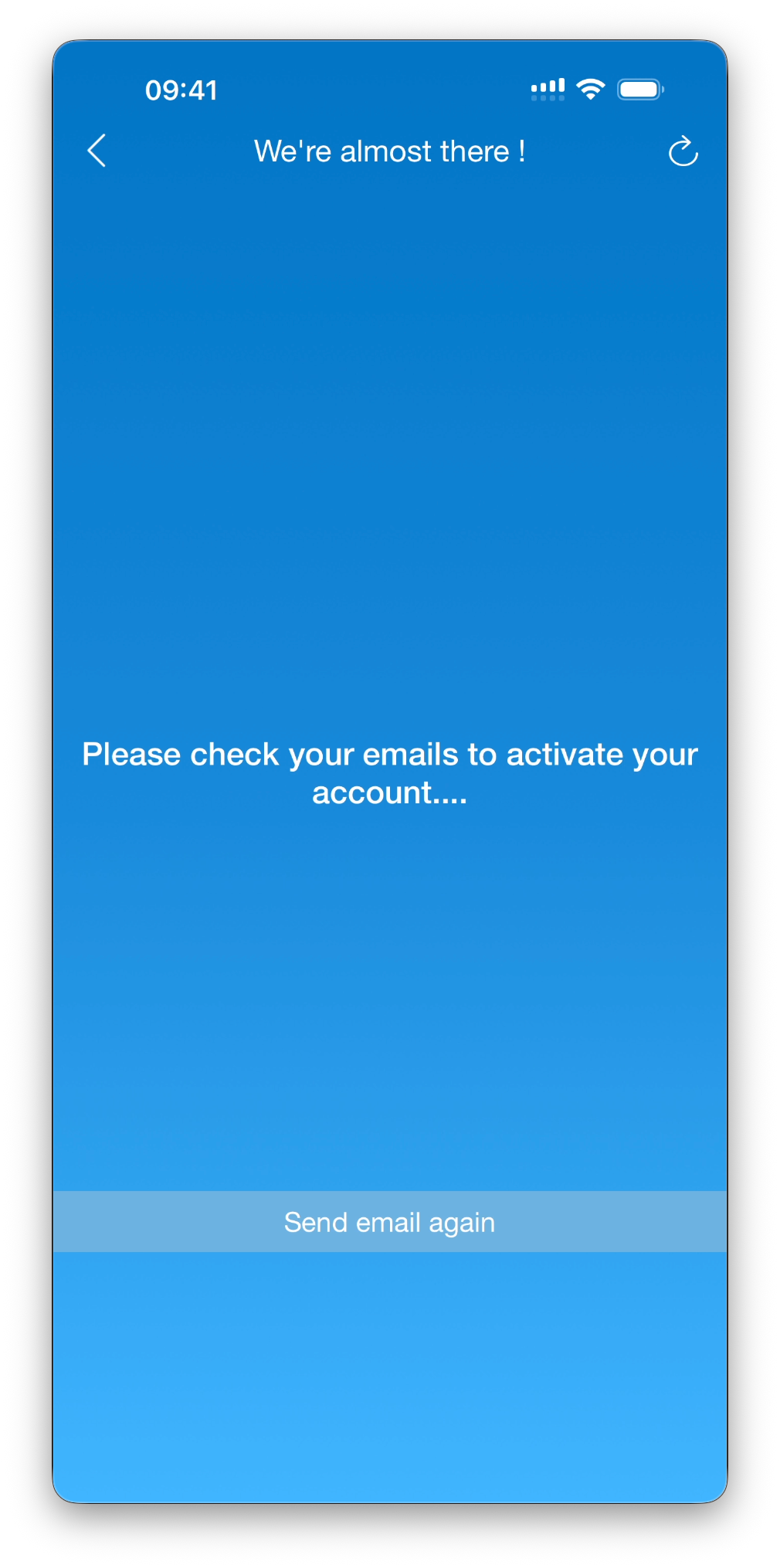
You’ll see a confirmation screen prompting you to check your inbox.
What to do next
Open the email sent by Infinite Pilot Logbook (preferably from the same device)
Click the activation link to confirm your account
You should be automatically signed in if you click on the activation link on the same device. If not, you can try the Refresh button in the top right corner or follow the instructions in the next paragraph
💡Didn’t receive the email?
Check your spam folder or tap Send email again from the app.
Signing In
Once your email is verified, you can sign in at any time.
Tap Sign in
Enter your email and password
Tap Sign In
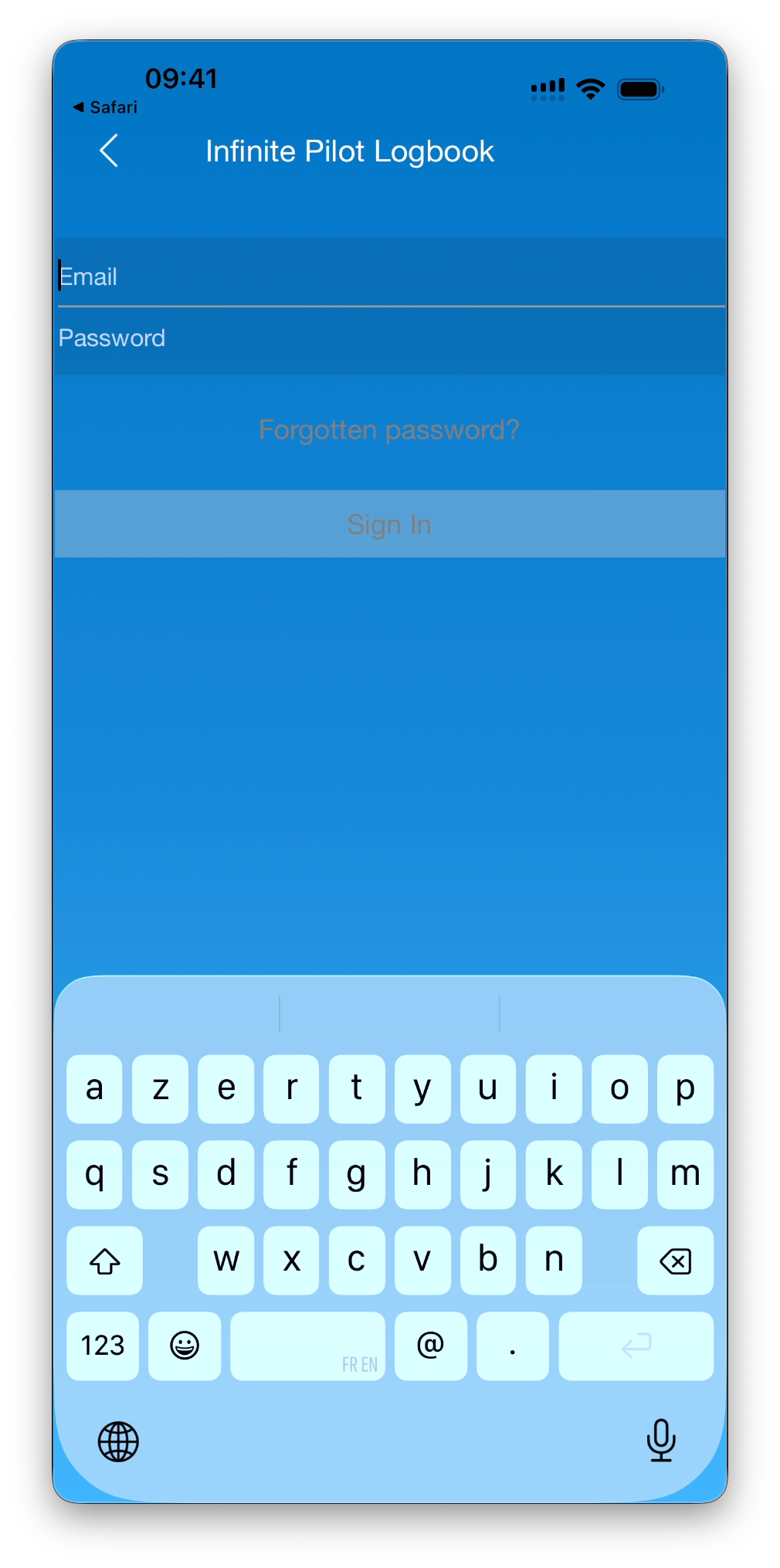
If you signed up using Sign in with Apple, simply use that option again - no password required.
Forgot Your Password?
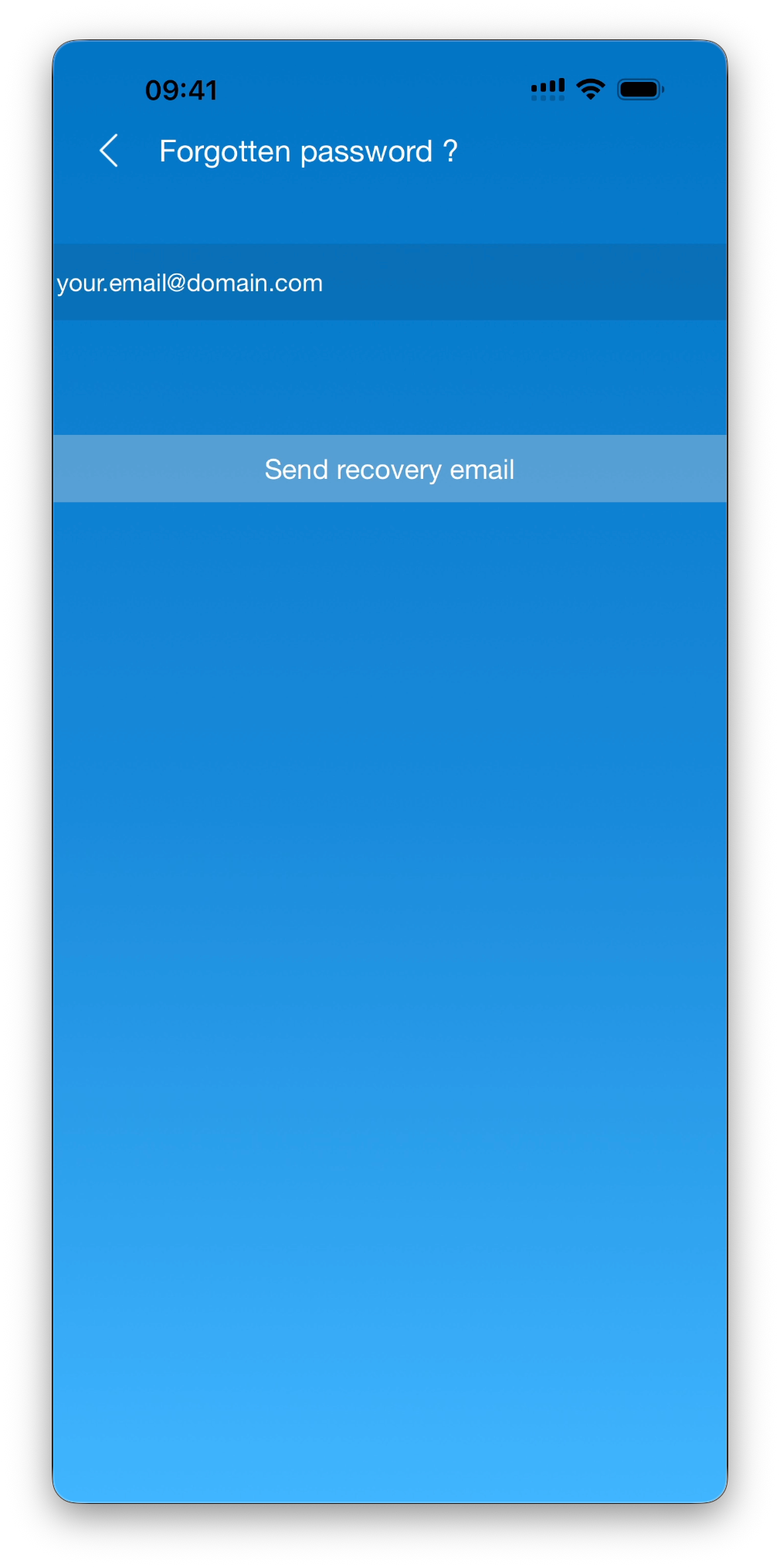
If you forget your password:
Enter your email address
Tap Forgotten password?
On the next screen tap on Send recovery email
Follow the instructions sent to your inbox to reset your password
Notes & Best Practices
ℹ️ Good to know
Your account allows secure cloud sync across devices
Your data is handled in compliance with European GDPR regulations
Using Sign in with Apple reduces setup time and improves security
What’s Next
➡️ Continue with Initial Setup – Configure IPL for Your Flying Profile to personalize your logbook before adding your first flight.