Places
Places in Infinite Pilot Logbook represent the locations used throughout your logbook, such as airports, airfields, heliports, seaplane bases, or any custom location relevant to your flying activity. They are used when logging flights, simulator sessions, medical entries, and more.
Last updated 8 months ago
The Places List
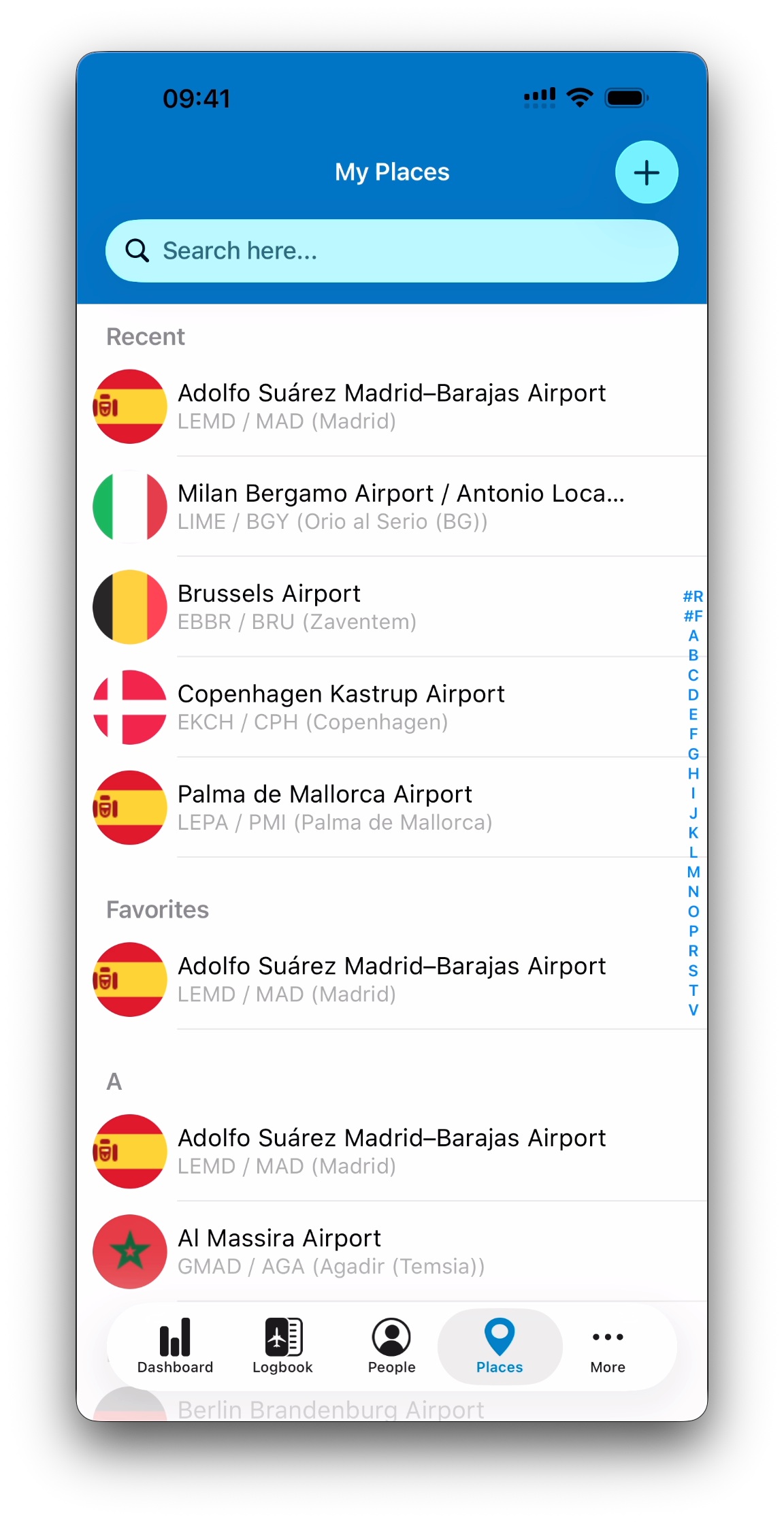
The Places tab gives you access to all places used in your logbook.
The list is organized as follows:
Recent – places you interacted with recently
Favorites – places marked as favorites
Alphabetical list – all other places, sorted by name
Each place is displayed with:
A flag by default (based on the country), or a custom picture if one is set
The place name as the title
A subtitle in the format:
ICAO / IATA (City)
Adding a Place
Tap the + button to add a new place.
Selecting an Existing Place
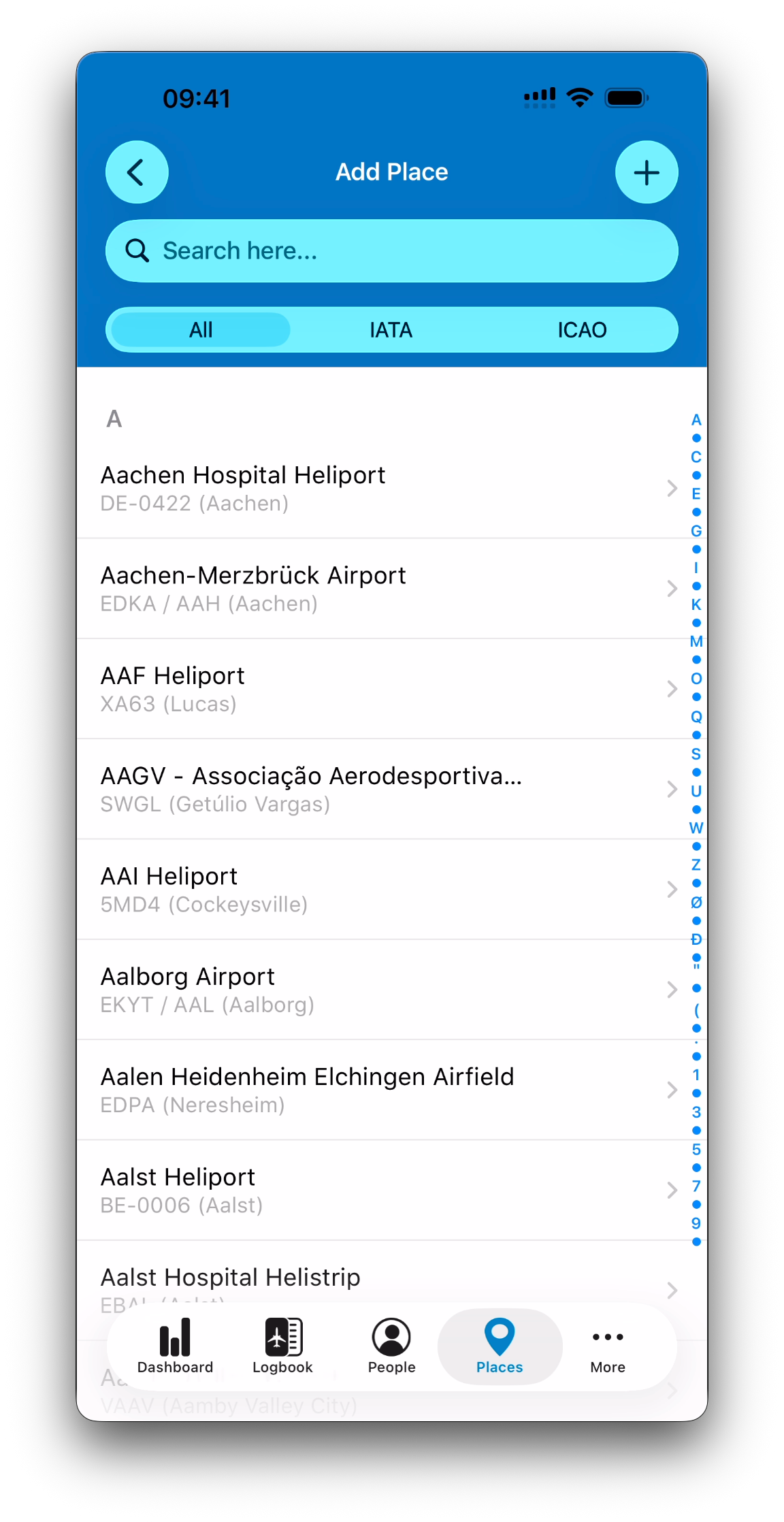
By default, IPL shows a comprehensive list of known airports and airfields.
You can search:
Freely by name, city, country, ICAO, IATA
Specifically by IATA code
Specifically by ICAO code
When you select a place from this list, it is automatically added to your database and you return directly to the Places list. No additional confirmation is required, as all relevant data is already known.
Creating a Place Manually
If the location you need is not an airport or airfield, you can create a place manually.
This is useful for example for:
Private or unpublished airfields
Helicopter landing sites
Seaplane water landing spots
Medical centers for medical logbook entries
Any custom location relevant to your activity
From the airport list screen, tap + again to create a new place manually.
Place Details
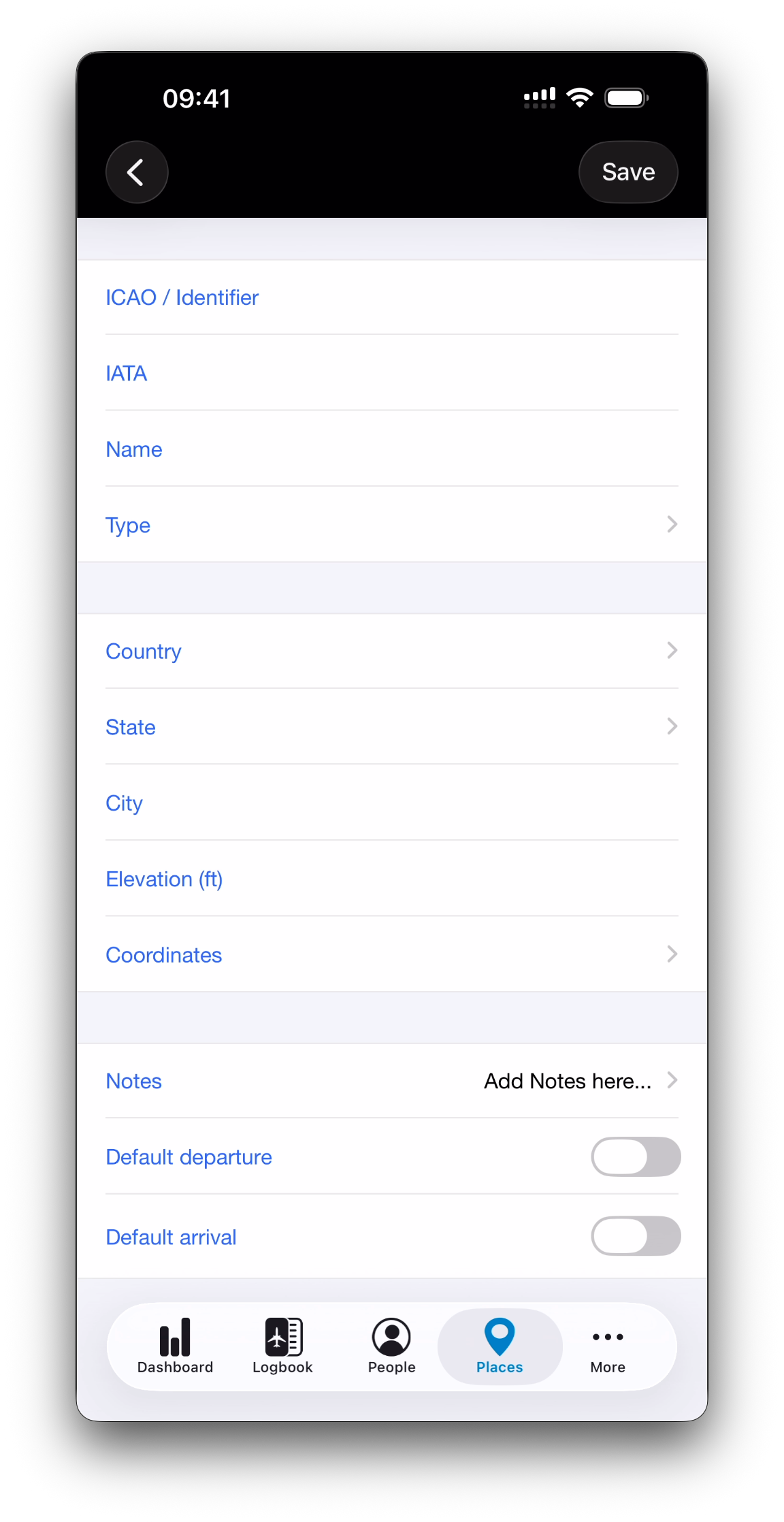
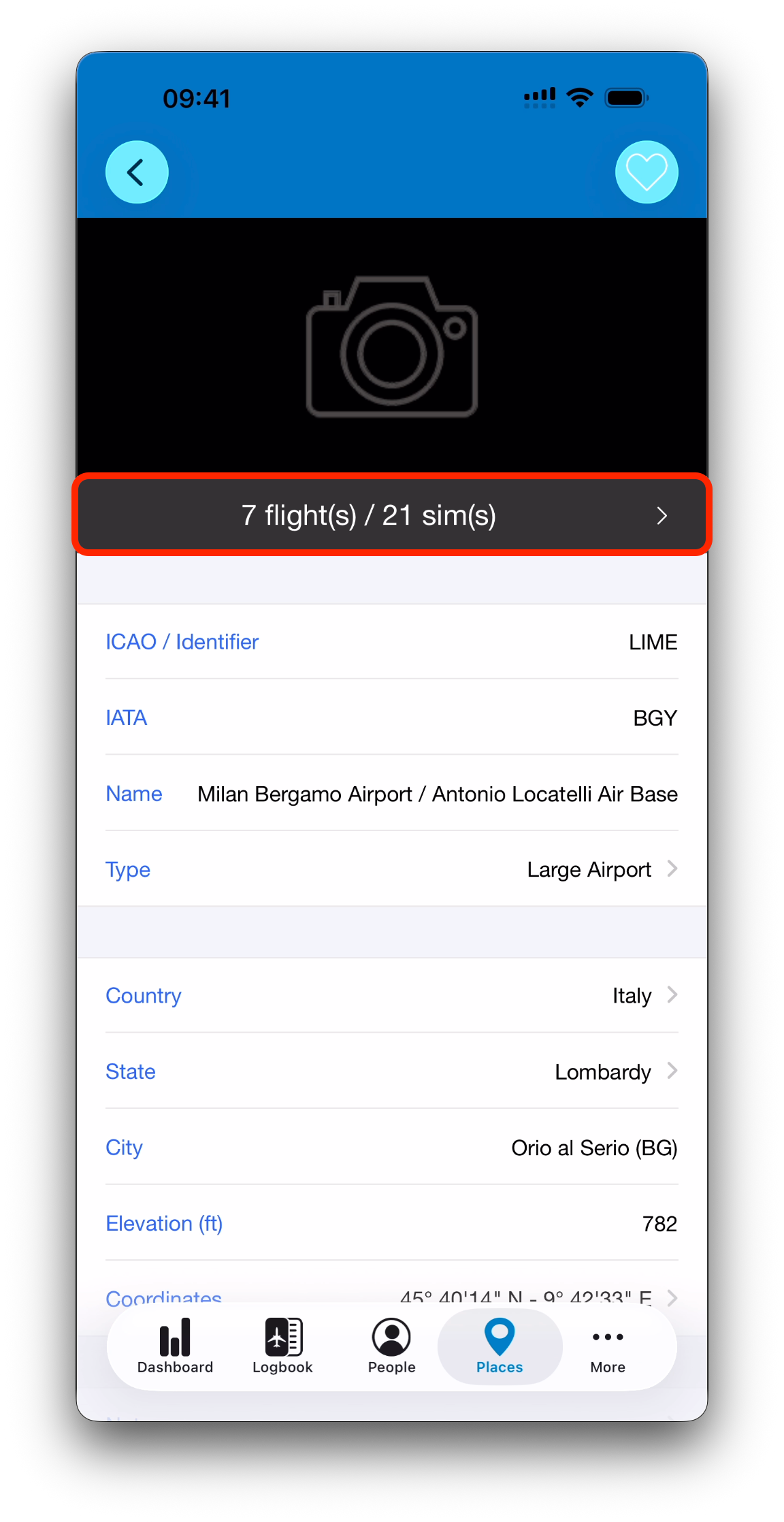
When creating or editing a place, the following fields are available:
ICAO / Identifier (required)
Used as a unique identifier when no official ICAO code exists
IATA
Name
Type (airport, heliport, seaplane base, etc.)
Country
State (filtered by selected country)
City
Elevation
Coordinates (required)
Notes
Only the Identifier and Coordinates are mandatory when creating a place manually.
Selecting Coordinates on the Map
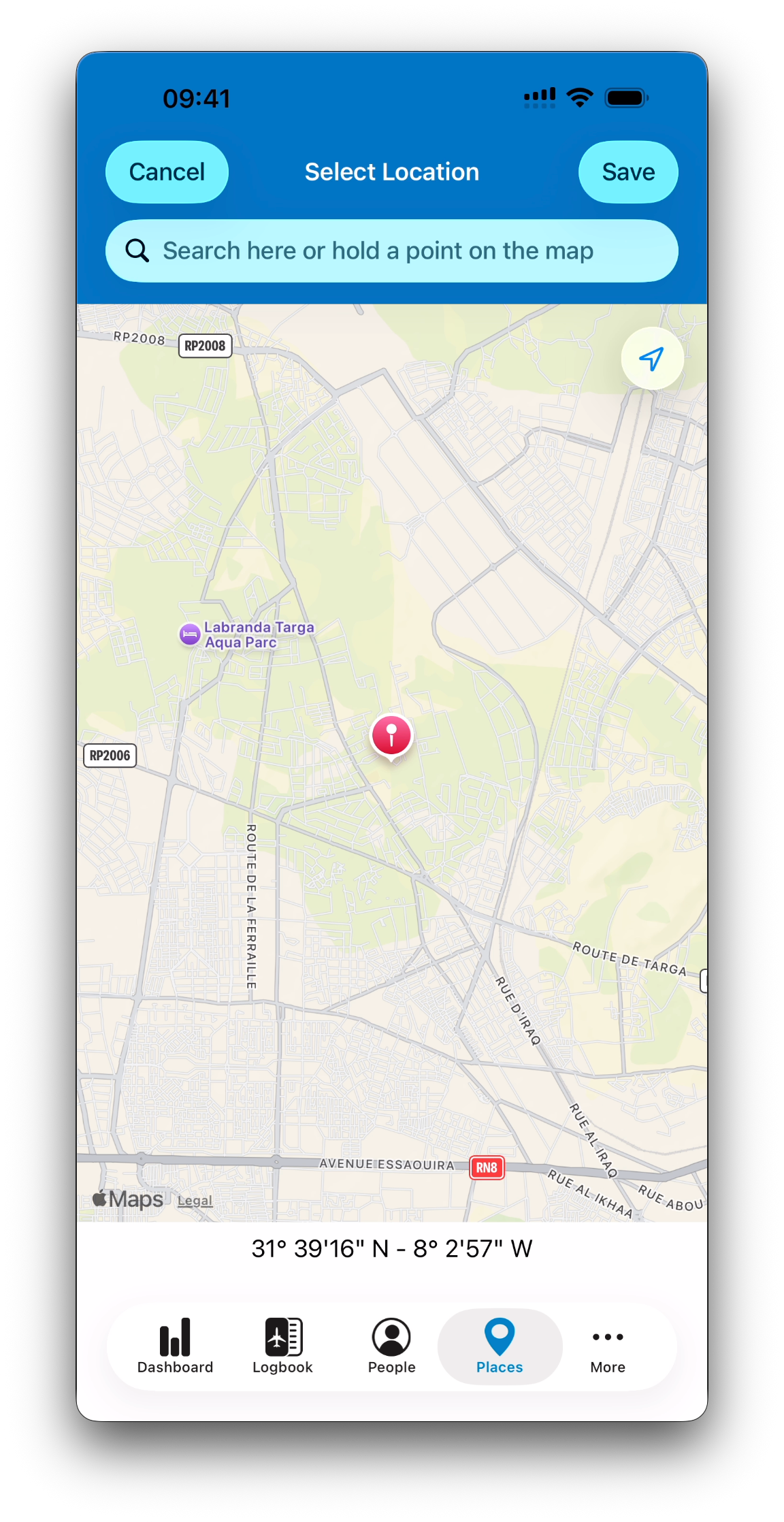
Coordinates can be entered or adjusted using a dedicated map view.
From this screen, you can:
Search locations using Apple’s points of interest
Press and hold on the map to pin a precise location
This is especially useful for helicopter pilots or seaplane operations where no predefined airport exists.
Default Departure and Arrival
Each place can be marked as a default departure and/or default arrival.
Only one place can be set as the default departure and one place as the default arrival at any given time. Selecting a new default will automatically replace the previous one.
When set, these defaults are automatically pre-filled when creating new logbook entries.
💡This is especially useful if you frequently operate from the same home base or fly regularly to a specific destination (typically local flights landing at the departure airport).
Place Activity Summary
Just below the place picture, a gray summary bar shows the total number of flights and simulator sessions associated to that place.
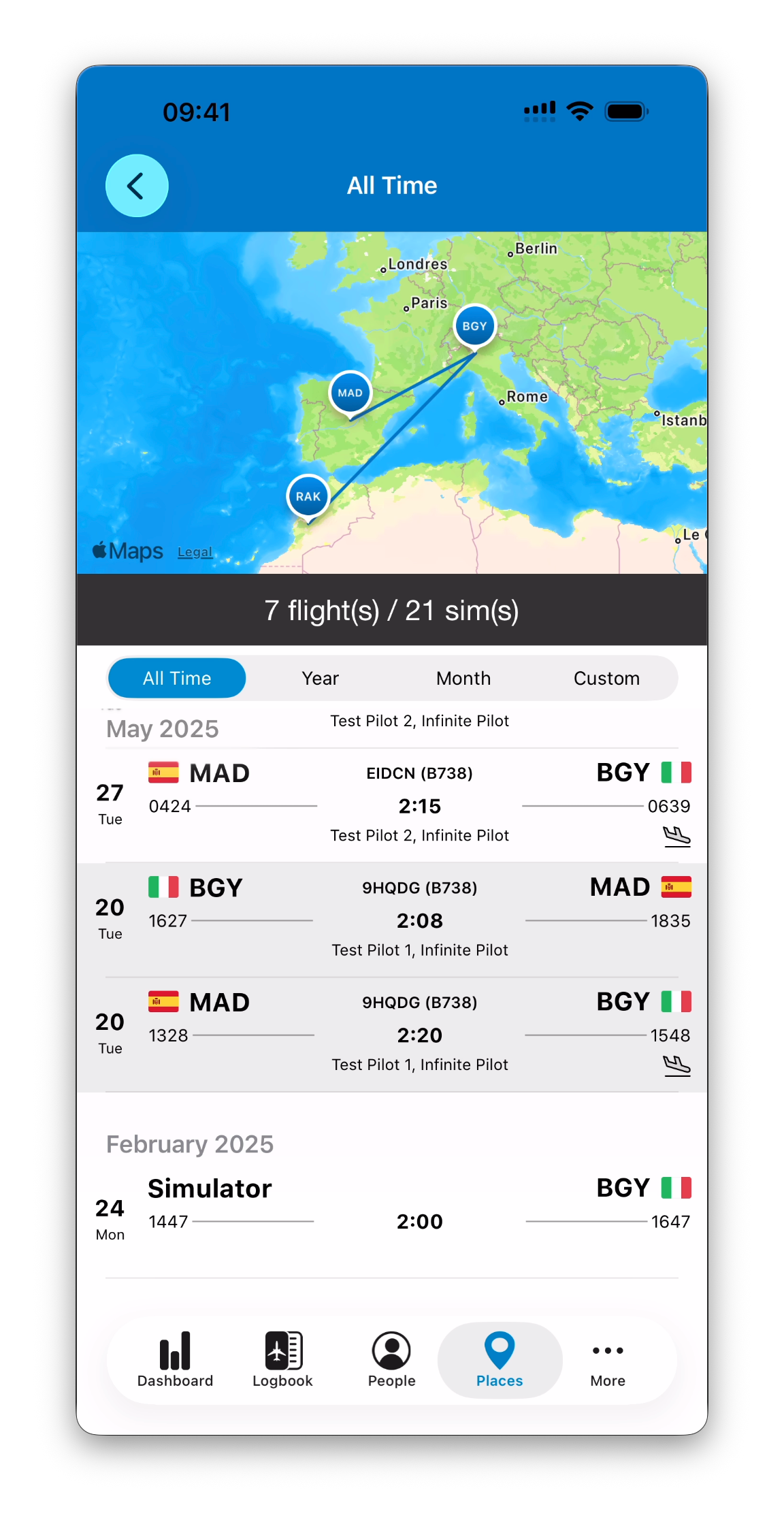
Tapping this summary opens a dedicated view showing:
A map of flights involving this place
A list of the corresponding logbook entries
Controls to adjust the displayed time period
Using Places Throughout IPL
The My Places list can be accessed from anywhere in the app when a place needs to be selected.
From that list, you can:
Select an existing place
Create a new place on the fly using the + button
Once selected or created, you are returned to the screen where the place was needed.
What’s Next
➡️ Continue exploring IPL’s database with Aircraft Types