Aircraft Types
Aircraft Types define the technical and regulatory characteristics of the aircraft you fly. They are a core reference used by logbook entries, aircraft, simulators. Understanding and maintaining accurate aircraft types ensures that your flight time, totals, and compliance calculations remain correct.
Last updated 7 months ago
My Types List
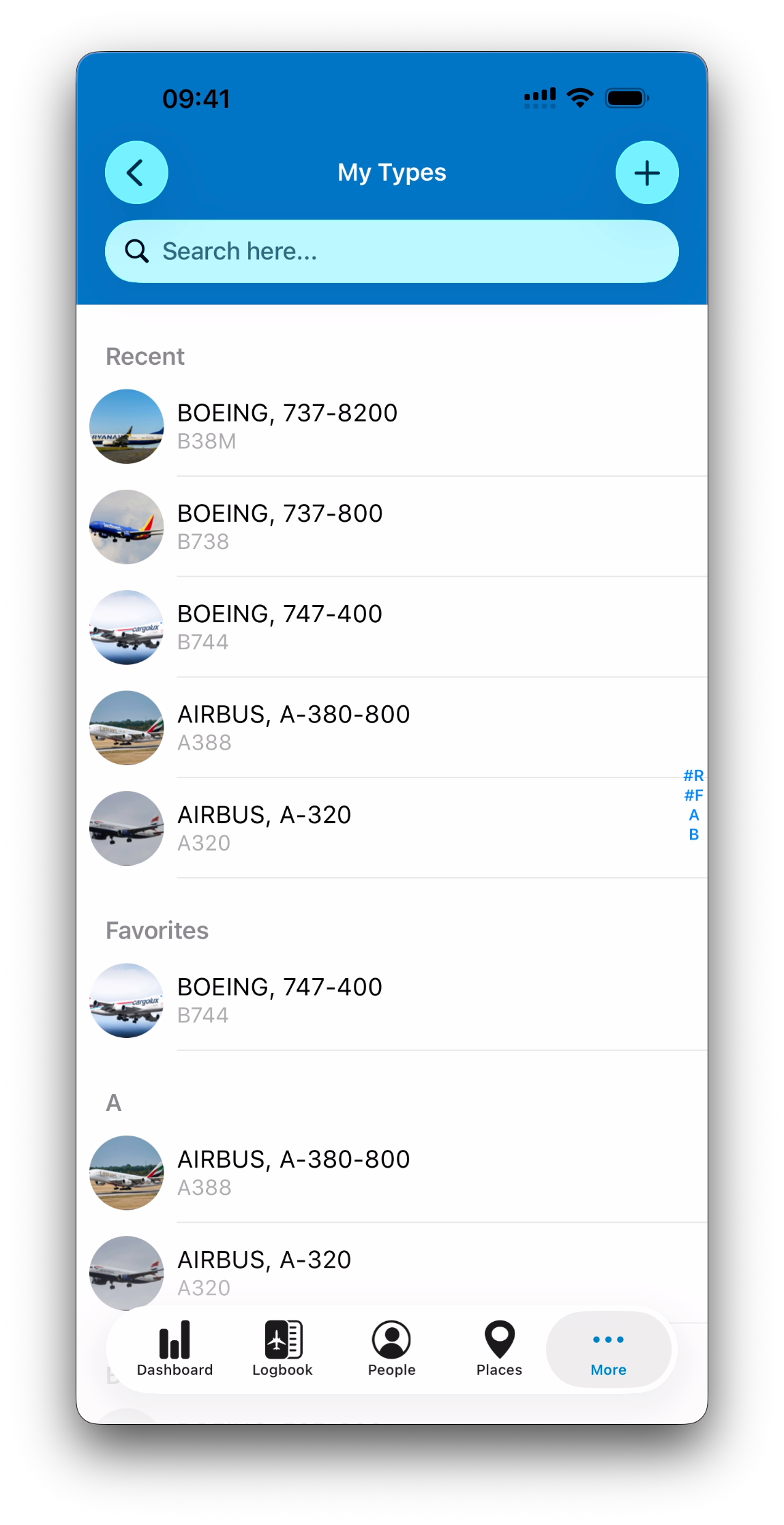
When you select Aircraft Types from the tab list, the My Types screen shows all aircraft types currently used in your logbook.
The list is organized as follows:
Recent – types you interacted with recently
Favorite – types marked as favorites
Alphabetical list – all other types, sorted by ICAO Code
Each aircraft type is displayed with:
Title: Manufacturer, Model
Subtitle: ICAO type code
Adding an Aircraft Type
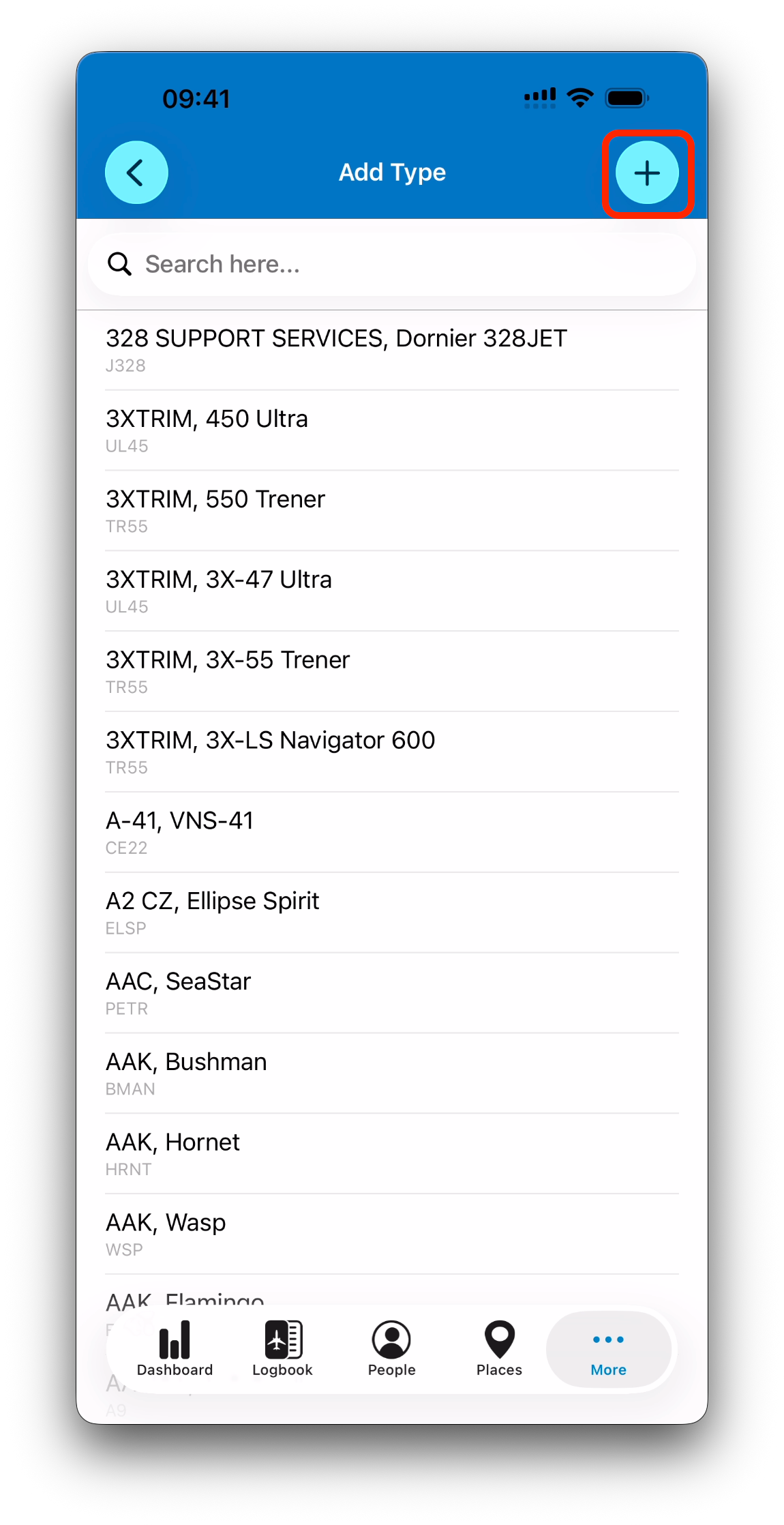
Tap the + button to add a new aircraft type.
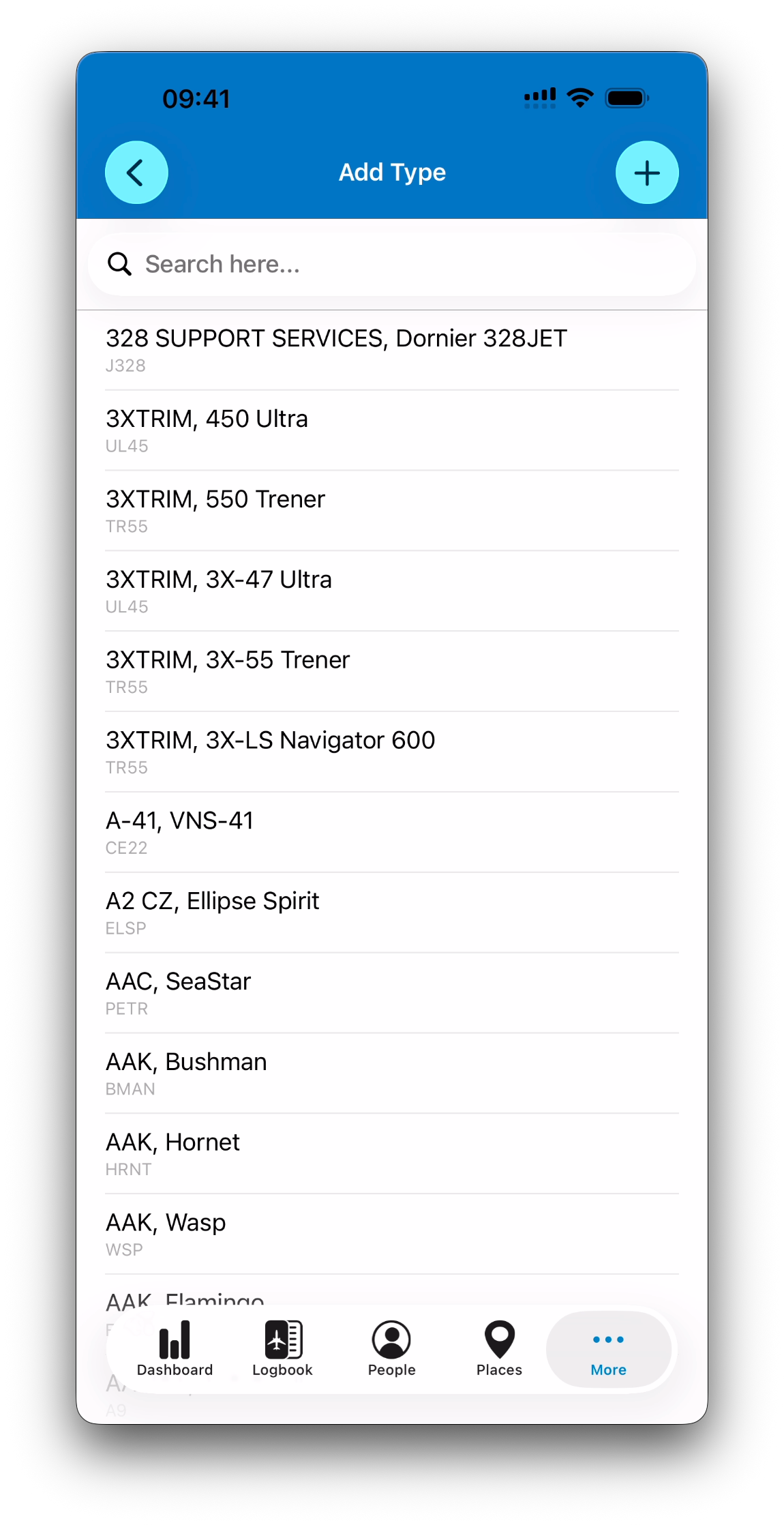
Selecting from the ICAO list
By default, IPL shows a comprehensive list of aircraft models sourced from ICAO data.
Some ICAO codes include multiple model variants.
Selecting a model automatically saves it to your My Types list
No additional confirmation is required
Creating a Type Manually
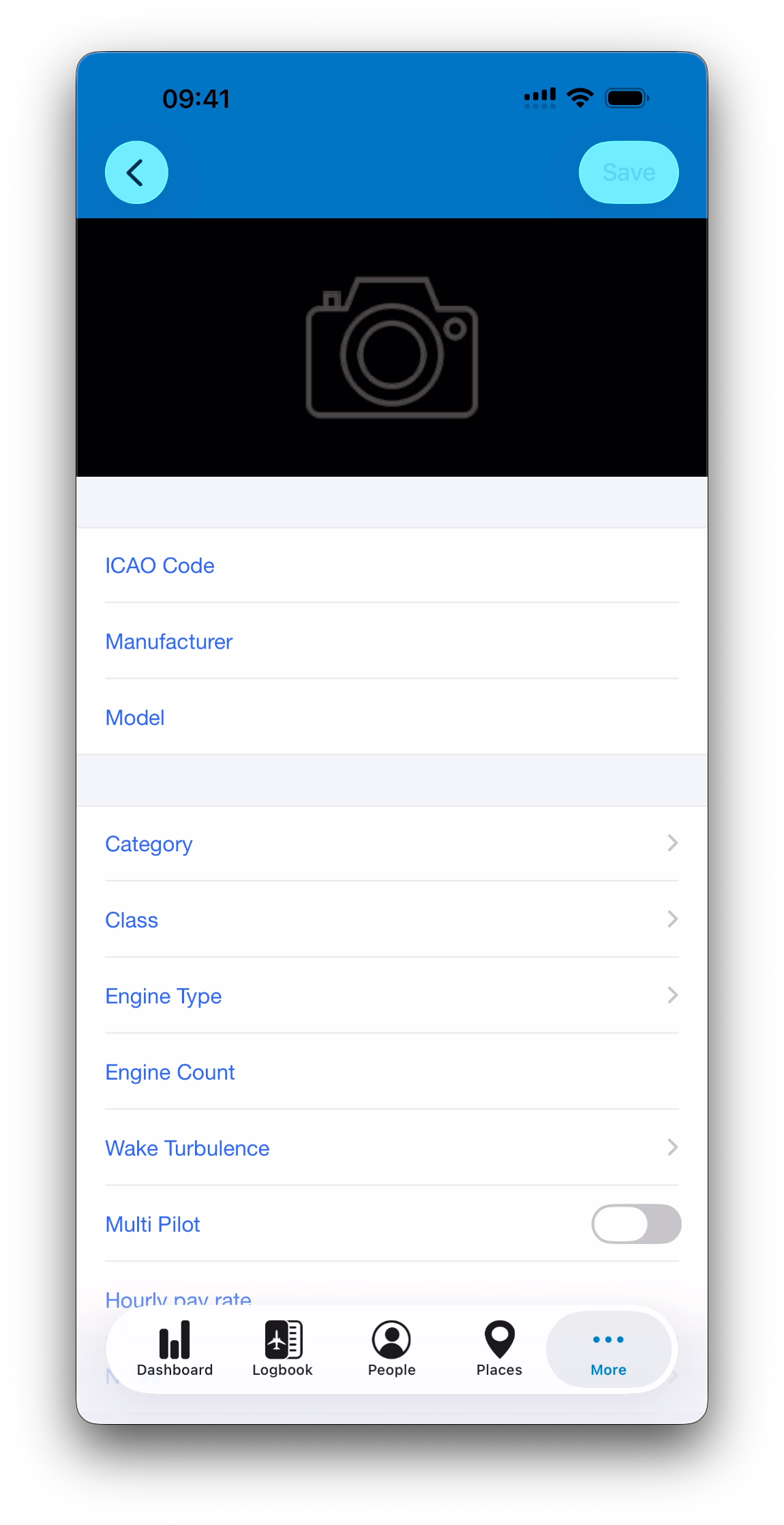
If the aircraft type you need is not available, tap + again to create a type manually.
Manual creation is useful for:
Custom or modified aircraft
Experimental or uncommon variants
Training or legacy aircraft
During manual creation, a Save button is displayed.
When editing an existing type, changes are saved automatically and the Save button is replaced by the Favorite (❤️) button.
Aircraft Type Fields
An aircraft type includes the following fields:
Required fields
ICAO Code
Model
General information
Manufacturer
Category
Class
Engine Type
Engine Count
Wake Turbulence Category
Multi-Pilot
Hourly pay rate
Notes
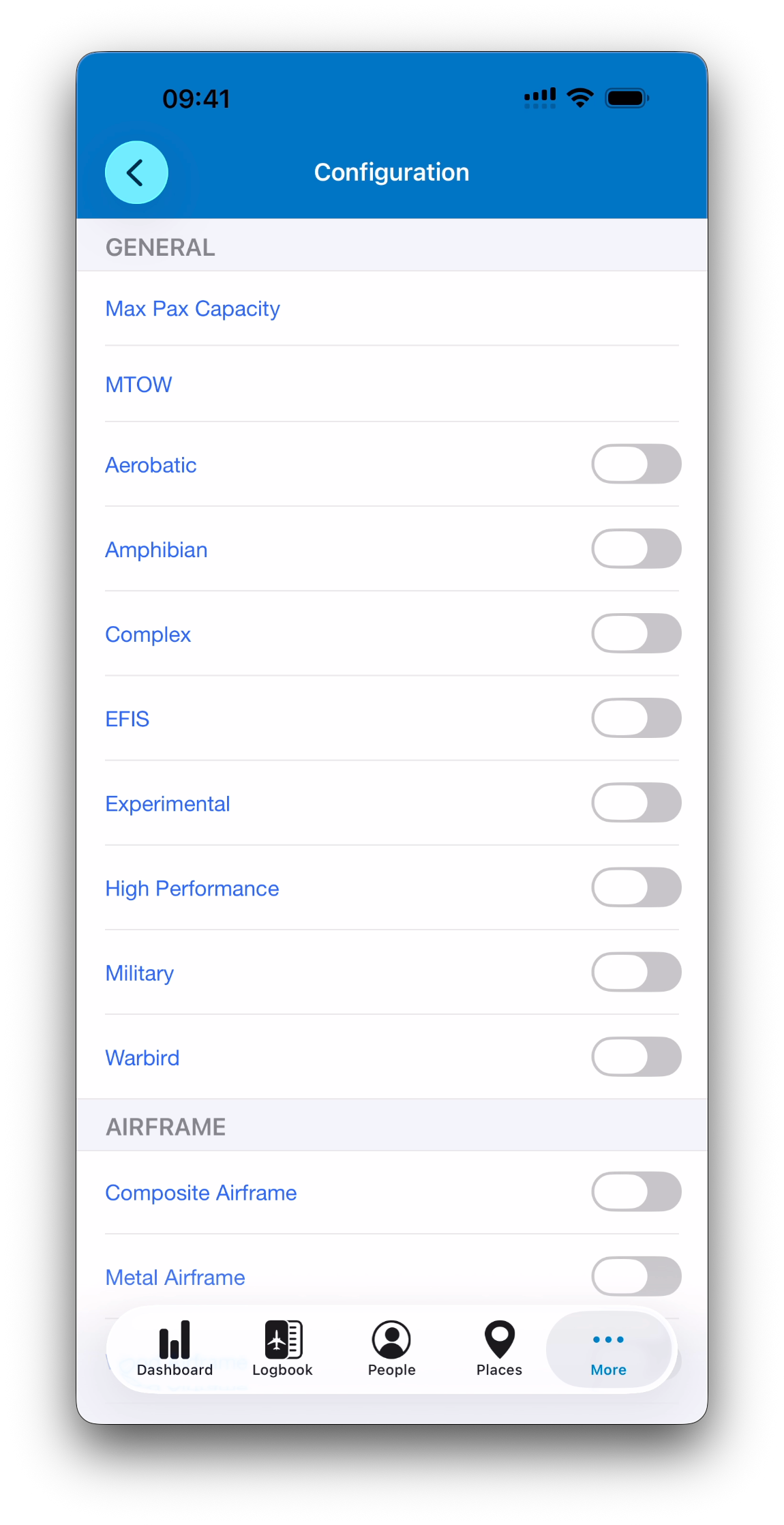
Configuration
Each aircraft type includes a dedicated Configuration screen.
This screen contains switches and fields describing the standard equipment and characteristics of the aircraft type.
ℹ️ When a new aircraft is created and linked to a type, it automatically inherits the type’s configuration. The configuration can still be adjusted on the aircraft itself if it differs from the standard type (for example, modified avionics or special equipment).
Default Aircraft Type
You can mark one aircraft type as the default.
The default type is automatically pre-filled when creating new flight entries
Only one default type can exist at a time
ℹ️ If a default aircraft is also set and its type differs from the default type, the type of the default aircraft takes precedence.
Relationship with Aircraft, Simulators, and Logbook Entries
Aircraft Types are closely linked to other modules to ensure consistency across your logbook.
Aircraft
Selecting an aircraft in a logbook entry automatically selects its associated aircraft type.
Selecting a different aircraft type will deselect the previously selected aircraft if the types do not match.
Simulators
Aircraft types also define which models a simulator can represent.
A simulator can be associated with zero, one or multiple aircraft types.
When creating a simulator entry:
If the simulator is associated with a single aircraft type, that type is selected automatically.
If multiple aircraft types are associated, you will be prompted to choose one.
If you select an aircraft type that is not currently associated with the simulator, IPL will ask whether you want to add this type to the simulator’s supported list.
ℹ️ This behavior differs from flight entries, where an incompatible aircraft is simply deselected.
These rules help maintain accurate data while keeping simulator entries flexible and easy to manage.
Statistics for an Aircraft Type
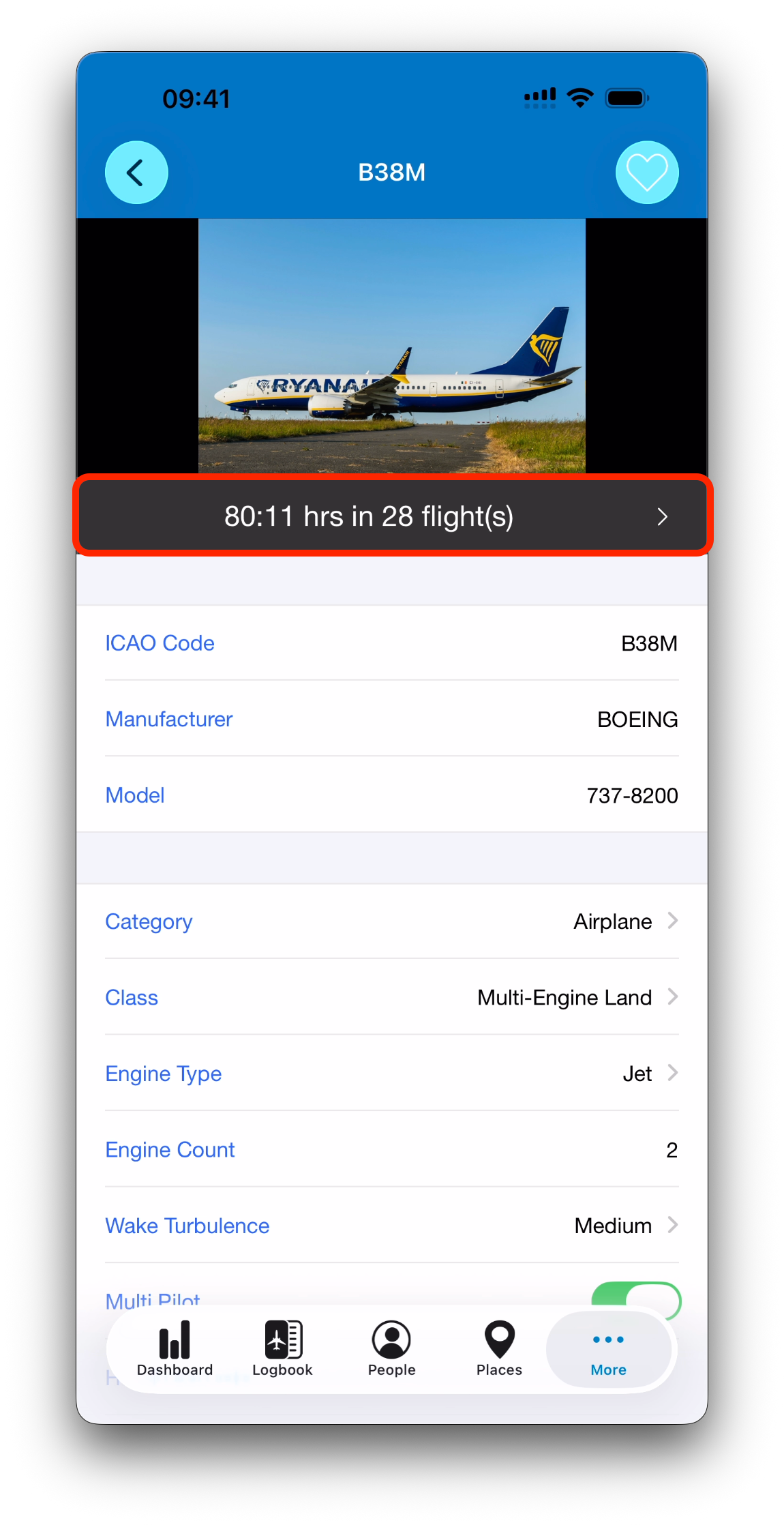
Each aircraft type displays a summary bar in the detail view showing:
Total time on this type
Number of flights or simulator sessions
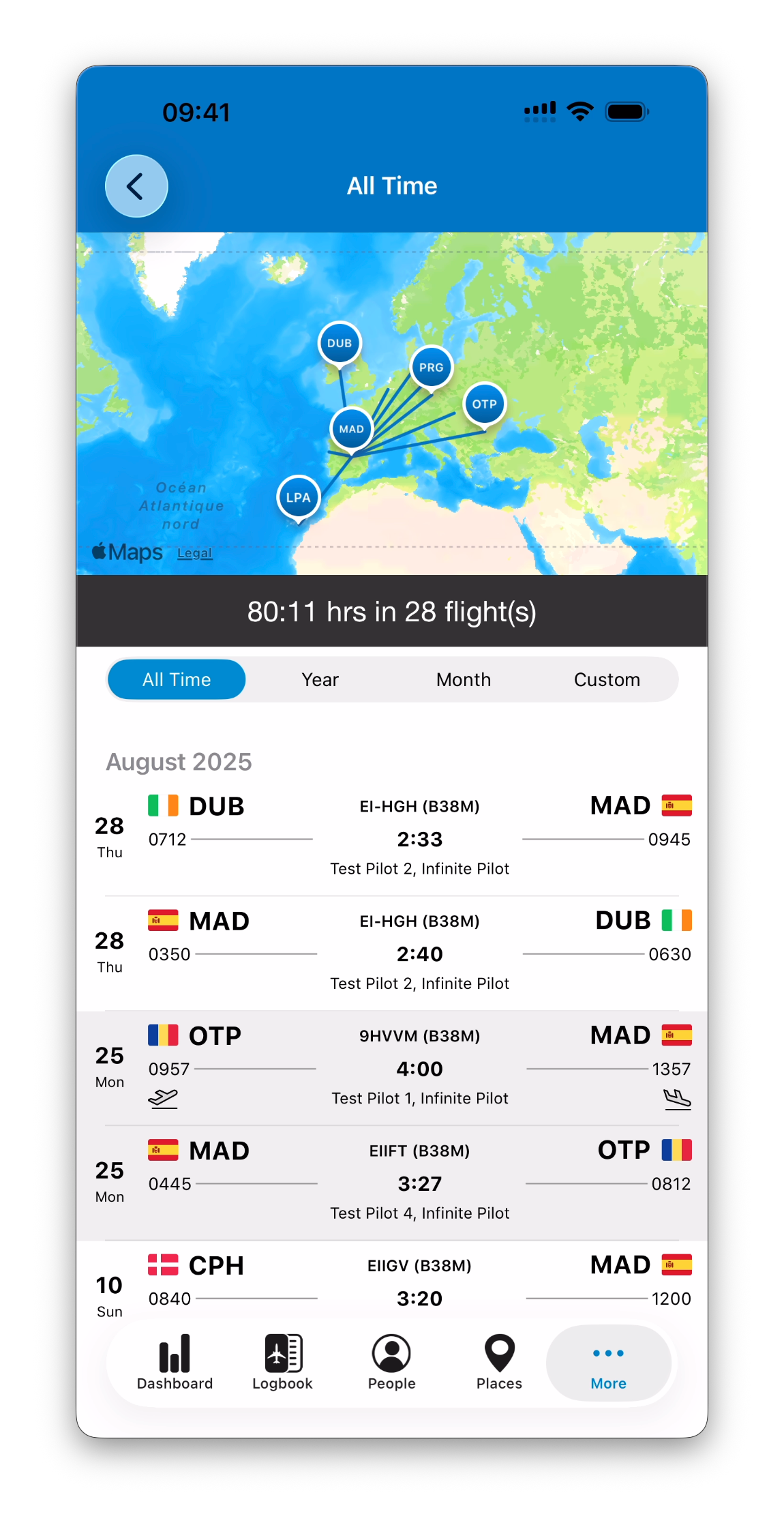
Tapping this summary opens a dedicated view showing:
A map of flights performed on this type
A list of corresponding logbook entries
Controls to adjust the displayed time period
Using Aircraft Types Throughout IPL
Just like People and Places, aircraft types can be:
Selected or created on the fly from anywhere they are required
Saved automatically and reused across the app
Once created, an aircraft type becomes part of your personal database and is fully independent.
What’s Next
➡️ Continue your database tour with Aircraft