Export Your Logbook
Learn how to export your logbook as a PDF report and what to expect from the available export formats.
Last updated 8 months ago
Available Export Formats
Infinite Pilot Logbook currently supports PDF exports in the following formats:
EASA Compliant Jeppesen
FAA Compliant Jeppesen
ℹ️ The list of available export formats will continue to expand over time.
Let us know if there’s a specific format you’d like to see added.
How to Export Your Logbook
To export your logbook:
Go to the Logbook tab
Tap the Infinite button
Select Export
Choose the report format you want to generate
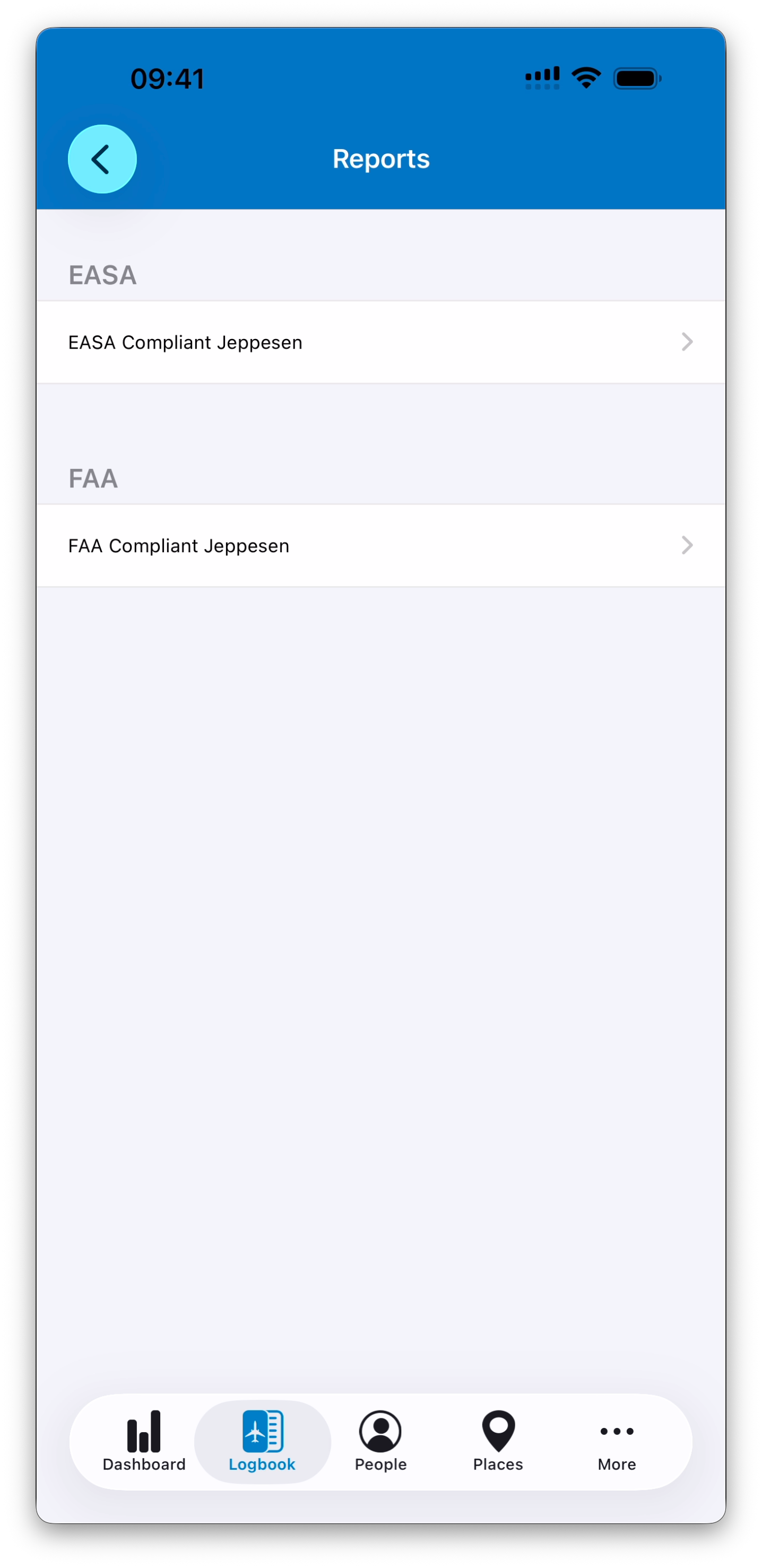
Configuring the Report
After selecting a report format, you can configure the export.
Available options include:
Start Date (optional)
End Date (optional)
Number of lines per page
If no start or end date is specified, the entire logbook is exported.
If only a start date is specified, the export includes all entries from that date onward; totals from entries before the selected date are calculated and shown on the first page as Total from Previous Pages.
If only an end date is specified, all entries up to that date are included.
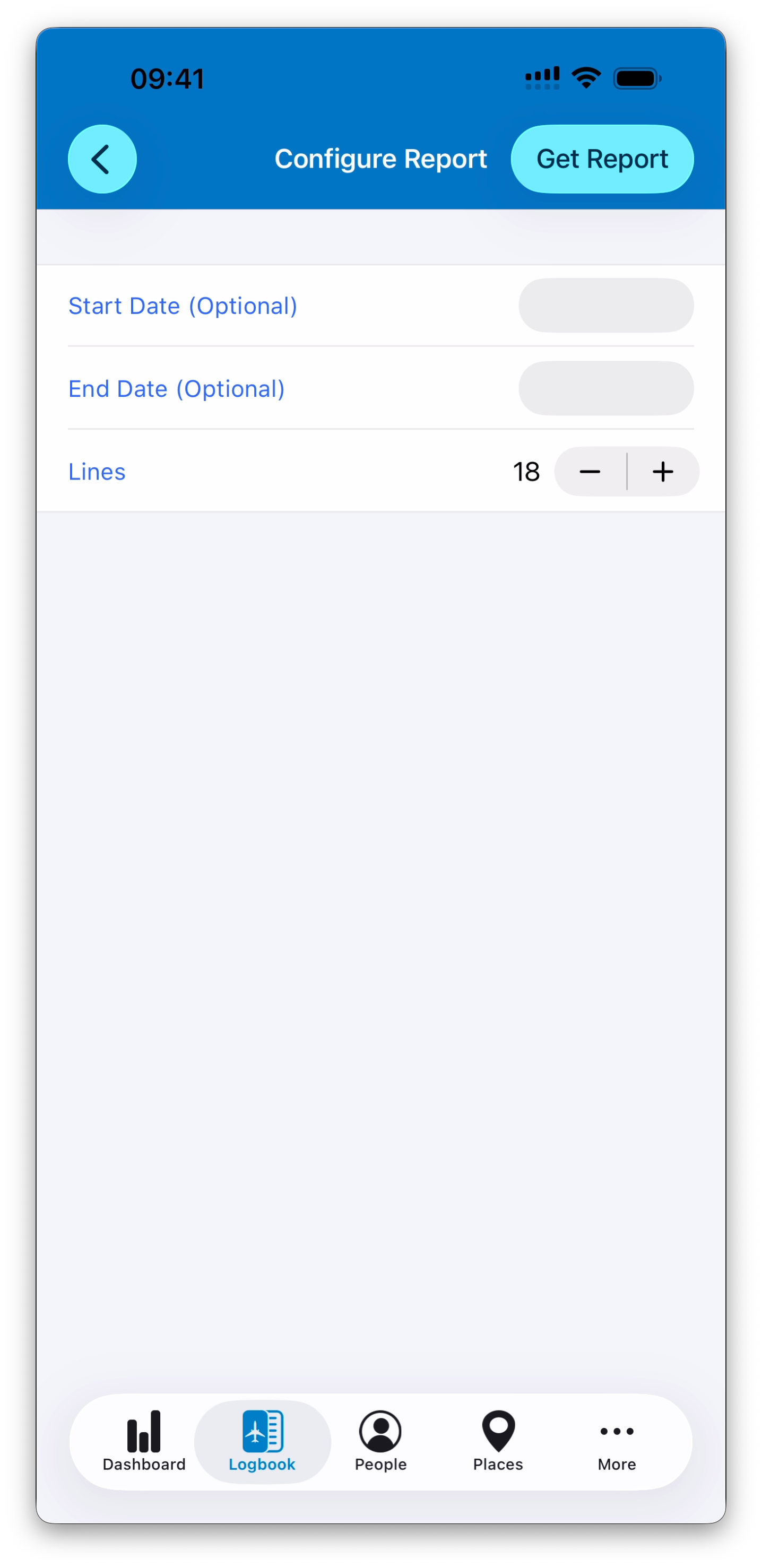
ℹ️ The number of lines per page can currently be set between 6 and 30. This setting only affects page layout and does not change your logbook data.
Once configured, tap Get Report.
Reviewing the Generated Report
After the report is generated, IPL displays a preview screen.
From there, tap Create PDF to finalize the export or OK to dismiss.
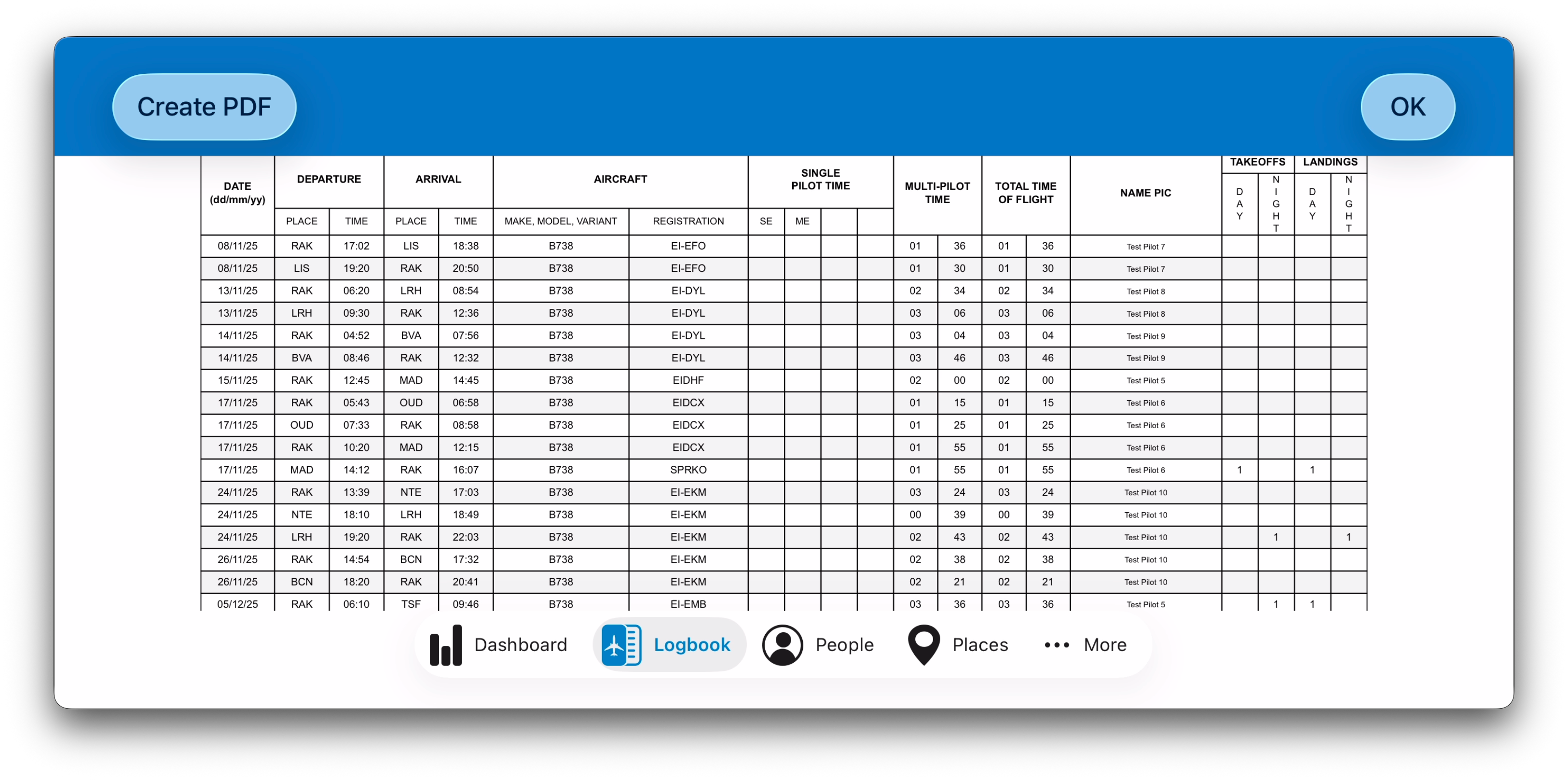
ℹ️ When you tap Create PDF, the file is generated and handed over to the operating system. You can then choose what to do with it (save it to Files, open it in another app, print it, AirDrop it, etc.).
Important Things to Know
💡 Places format
Departure and arrival places follow the format selected in Display Options (ICAO or IATA). See Display Options for more information.
💡 Signatures and license number
If a logbook entry is signed, the signature and license number (when present) are printed in the REMARKS column.
💡 Text cropping
In some cases, text may be too long to fit within a cell (for example, very long PIC names or remarks).
To preserve the official layout of the logbook, text is cropped when necessary. Cropping does not affect your stored data — it only applies to the PDF layout.
What’s Next
➡️ It is now time to learn how to manage your database, starting with People