Certificates & Qualifications Overview
The Certificates module in Infinite Pilot Logbook helps you track licences, ratings, medicals, checks, and qualifications over time — with automatic validity calculations, renewal history, and current status always kept up to date.
Last updated 7 months ago
Why Certificates Matter in IPL
Most pilot logbooks allow you to store certificate expiry dates manually.
IPL goes further by providing a complete system designed to:
Automatically update certificate validity when renewals or checks are logged
Preserve a complete historical record of these renewals through your logbook entries
Certificates in IPL are not just static records — they are linked to the flights, simulator sessions, medical visits, and other events that keep them valid.
Accessing the Certificates Module
You can access your certificates from:
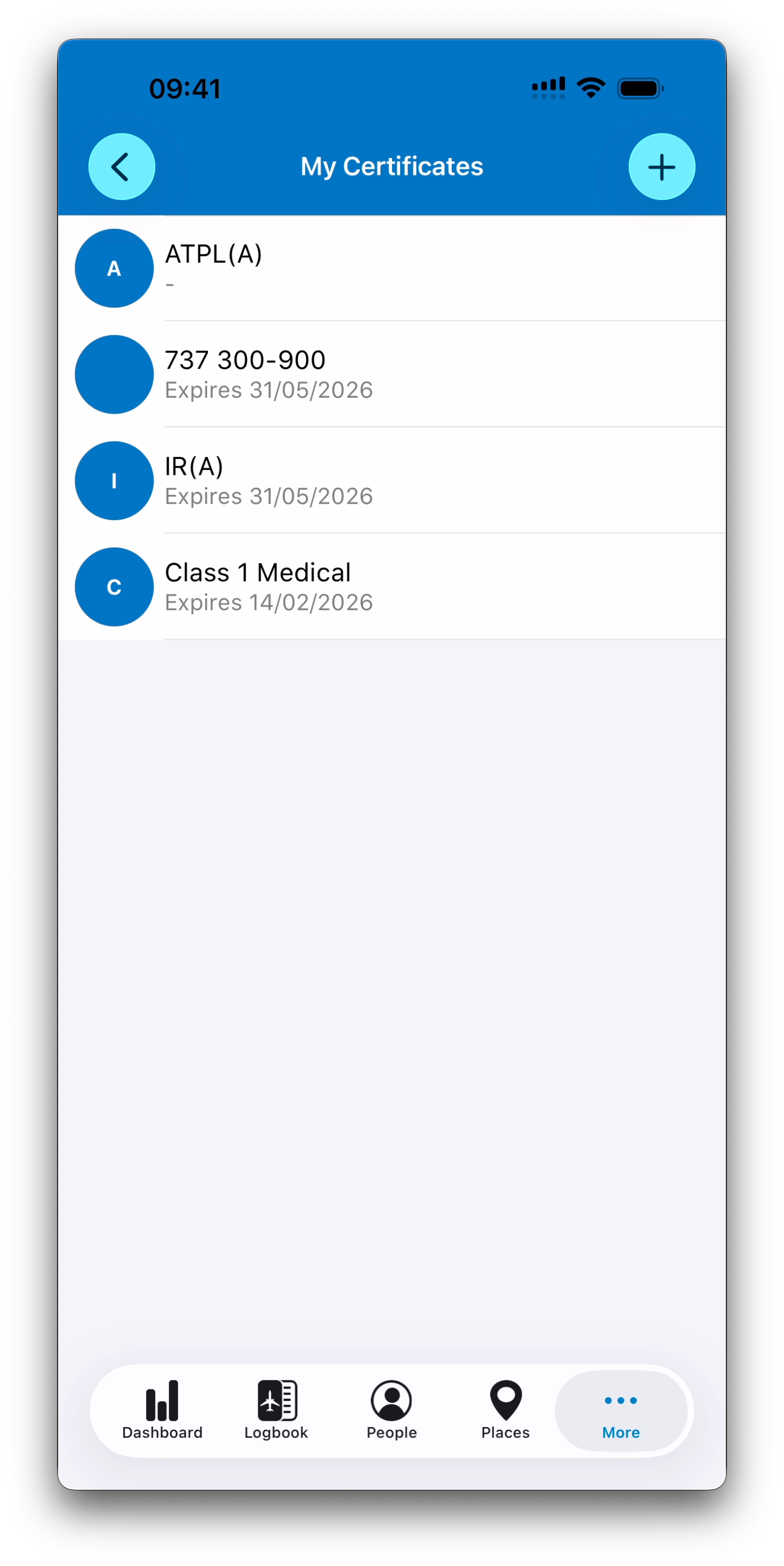
More → Certificates
This opens your personal list of licences, ratings, medical certificates, and other tracked qualifications.
A Flexible Certificate System
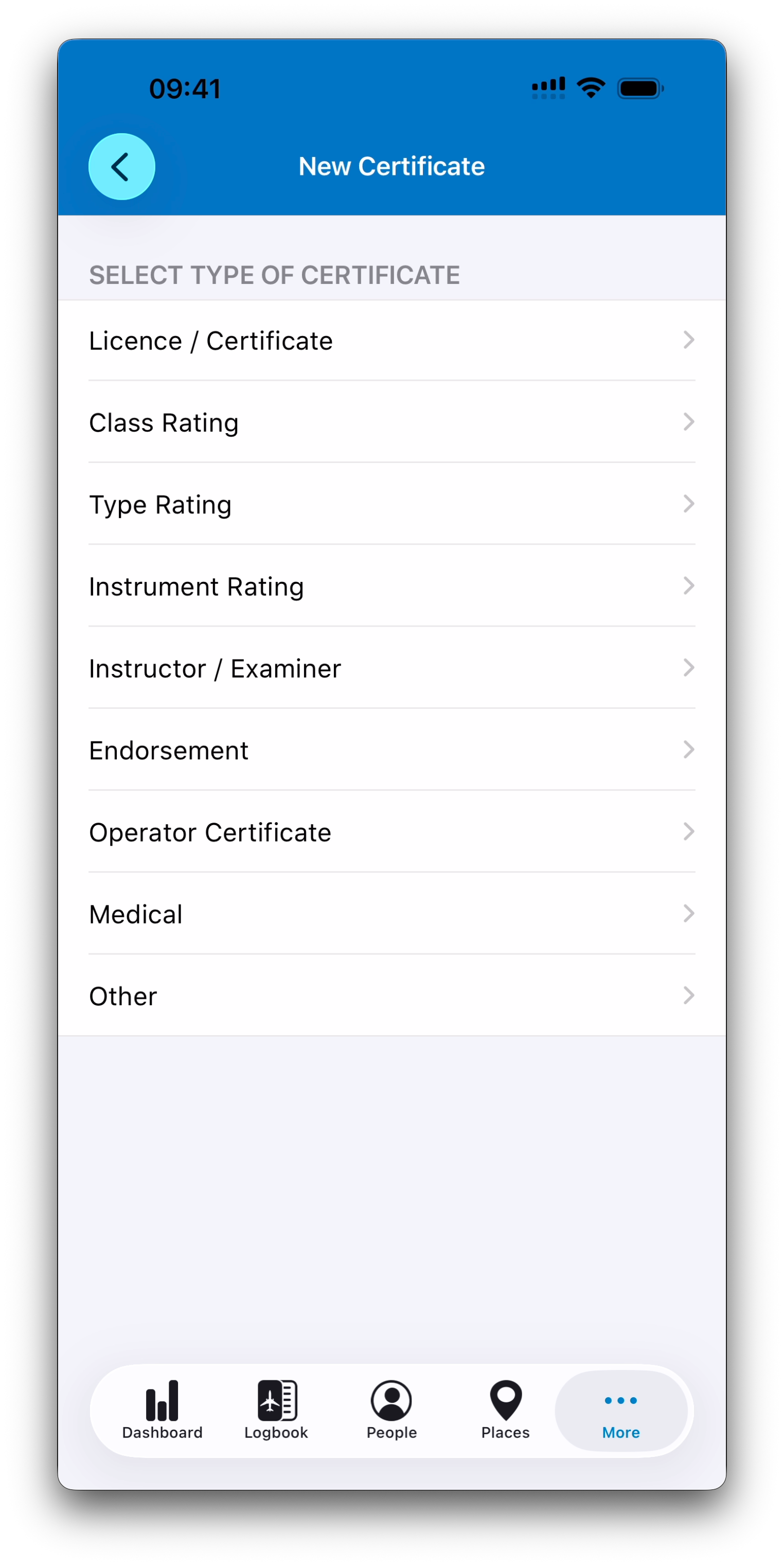
When creating a new certificate, IPL guides you through a structured tree of predefined categories.
For example:
Medical → EASA Medical → Class 1 Medical
The available branches include major aviation certificate families such as:
Licences / Certificates (EASA and FAA)
Class Ratings
Type Ratings
Instrument Ratings
Instructor and Examiner Ratings
Medical Certificates
Endorsements and Operator Certificates
Other custom categories
Each level always includes an Other option, ensuring the system can support certificates beyond predefined structures.
This tree may evolve over time as more presets and regulatory definitions are added.
Predefined Templates and Custom Freedom
Some certificate types come with predefined validity rules.
These presets may define:
Whether the certificate expires or not
How expiry dates are calculated
What happens during renewal or revalidation
Medical certificates add an additional layer of complexity.
In addition to the certificate validity itself, IPL can track a list of associated medical examinations (such as ECGs, audiograms, or other required checks), each with its own validity rules.
Medical validity can also depend on the pilot’s age, which affects renewal cycles and expiry calculations.
This makes medical tracking much more complete than simply storing a single expiry date.
Even when templates are provided, IPL always keeps full flexibility:
You can edit validity parameters manually
You can build custom certificate types when needed
You remain in full control of your system
Certificates Linked to Logbook Activity
The real strength of IPL’s certificate system is that certificates are updated through logbook entries.
When you select one or more certificates inside an entry, IPL can:
Log that a renewal or revalidation event occurred
Calculate the new expected expiry date
Ask whether you want to update the certificate accordingly
This works across several entry types, including:
Flights
Simulator sessions
Medical entries
Other entry type that can cover everything else (recurrent fire training, safety training, CRM training etc.)
Multiple certificates can also be updated from a single entry (for example, renewing both Class 1 and Class 2 Medical certificates during the same visit).
Current Status vs History
IPL makes an important distinction:
The Certificate shows the current validity status
Logbook entries form the historical record of renewals and revalidations
For example:
A medical entry created in 2024 may show renewal until January 2025
A later entry in 2025 using the same certificate shows renewal until January 2026
The certificate itself normally reflects the latest current expiry date
Earlier entries keep the expiry date that was valid at that time (the entry in 2024 still shows an expiry date in January 2025)
This provides a reliable timeline without overwriting the past.
Tracking Certificate History
Each certificate includes an activity summary showing:
Total renewals or validation events
All logbook entries where that certificate was updated
Instead of creating a new “Line Check” certificate every year, you select the same certificate repeatedly over time, building a complete history of your qualification.
A dedicated article covers certificate history in detail.
What’s Next
➡️ Learn more about certificates in Managing Your Certificates