Subscriptions & Upgrade to Infinite
Infinite Pilot Logbook includes an optional subscription upgrade called Infinite, which unlocks unlimited logbook entries and removes the limitations of the free version. Subscription management is accessible directly from the Settings screen, and purchases are securely handled through Apple’s in-app purchase system.
Last updated 7 months ago
Accessing Subscription Options
You can manage your subscription from:
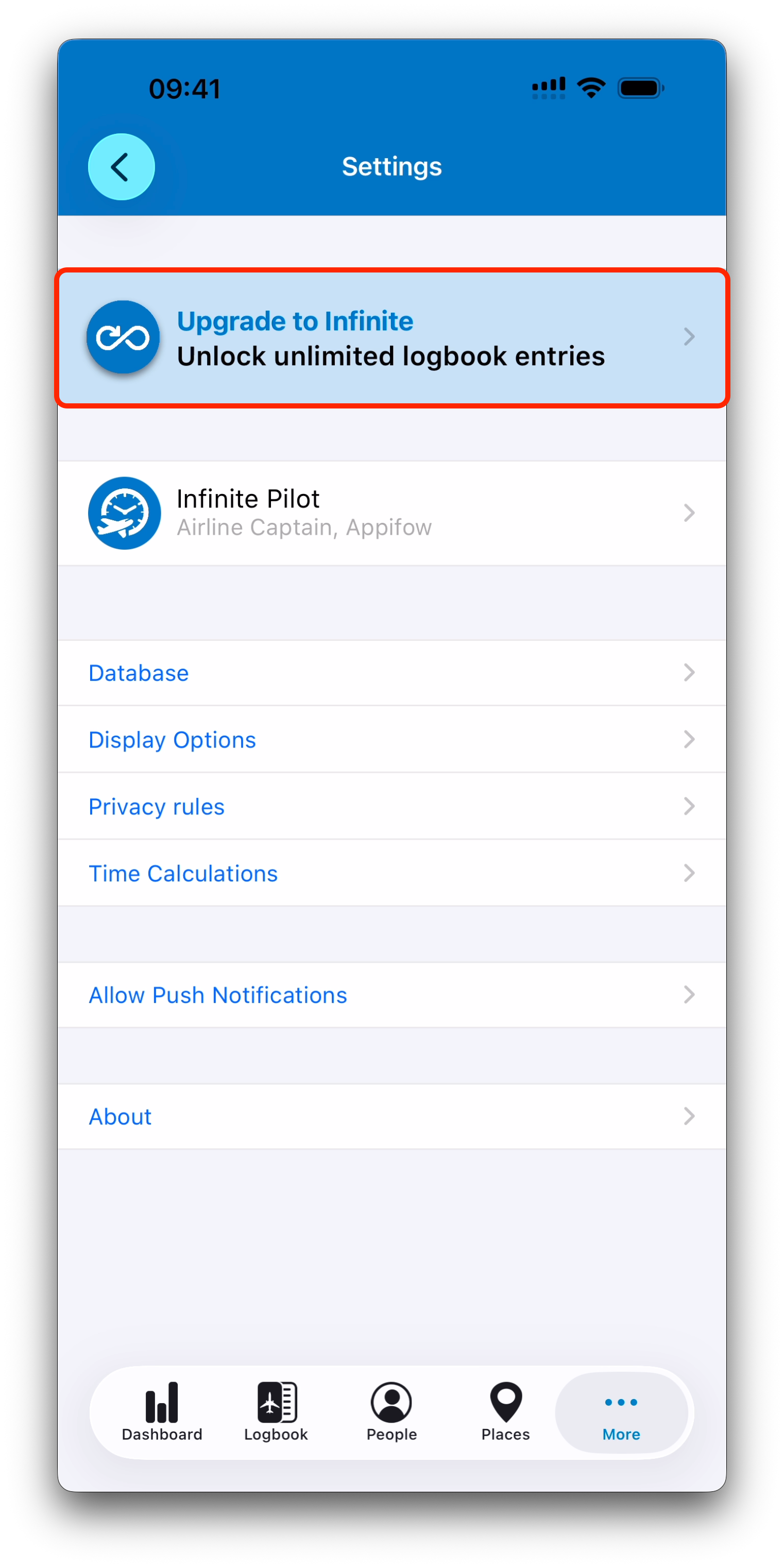
More → Settings → Upgrade to Infinite
IPL may also display upgrade prompts in other situations, such as when reaching the free entry limit.
Free Version Entry Limit
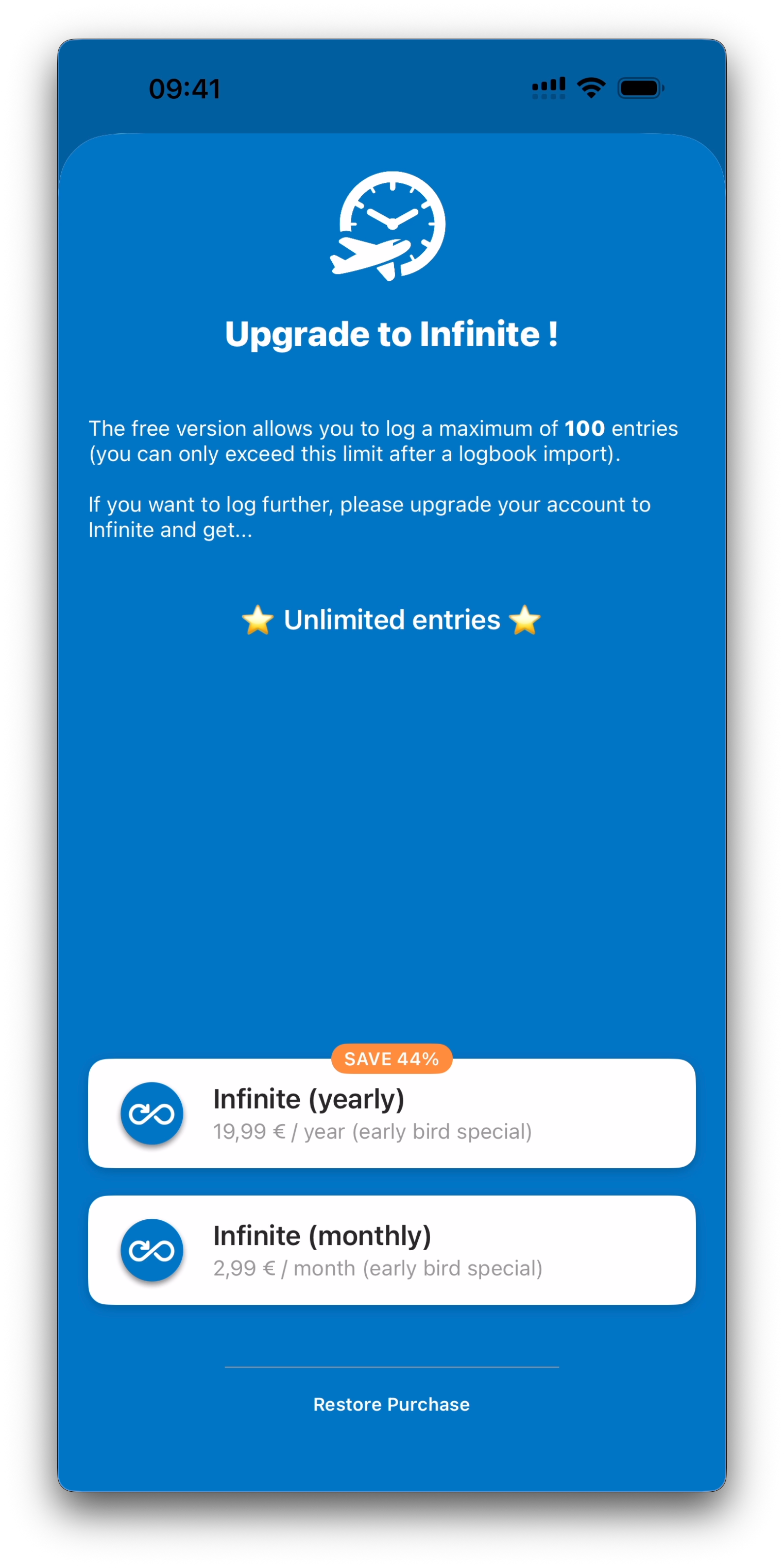
The free version of IPL allows you to create up to a maximum of 100 logbook entries.
This limit is designed to let pilots fully explore the app before upgrading, while also ensuring that student pilots with fewer entries can benefit from IPL during the early stages of their training without additional financial pressure.
Exception: Importing Your Existing Logbook
New users may come from other logbook applications and want to import their full flight history first, in order to see how their complete logbook looks inside IPL.
For this reason, IPL does not block large imports when you are getting started.
If you begin an import before reaching the free limit, IPL allows the full import even if it contains hundreds or thousands of entries.
The entry limit only applies once your logbook is already at (or beyond) the free threshold, and you attempt to:
Add new entries manually, or
Import additional entries beyond that point
At that stage, IPL will prompt you to upgrade in order to continue logging without restrictions.
Infinite Subscription Benefits
Upgrading to Infinite unlocks:
Unlimited logbook entries
Continued logging beyond the free limit
This ensures IPL can grow with your entire flying career, whether you log a few flights per month or thousands over decades.
Where Upgrade Prompts May Appear
Subscriptions can be started from:
The Settings screen (Upgrade to Infinite)
When trying to add a new entry after reaching the limit
During import workflows if the entry count exceeds the free threshold
This ensures upgrade access is available naturally when needed.
Payments and Billing
All subscriptions in IPL are processed through Apple In-App Purchases.
This means that:
Payments are handled securely by Apple
Billing, renewals, and cancellations are managed in your App Store account
IPL does not store or process credit card information directly
If you have questions about payment issues, refunds, or subscription management, Apple Support is the official point of contact.
Subscription Activation in IPL
Once a subscription is active, IPL automatically verifies it and unlocks Infinite features on your account.
If a subscription is active but the app still appears locked, you can:
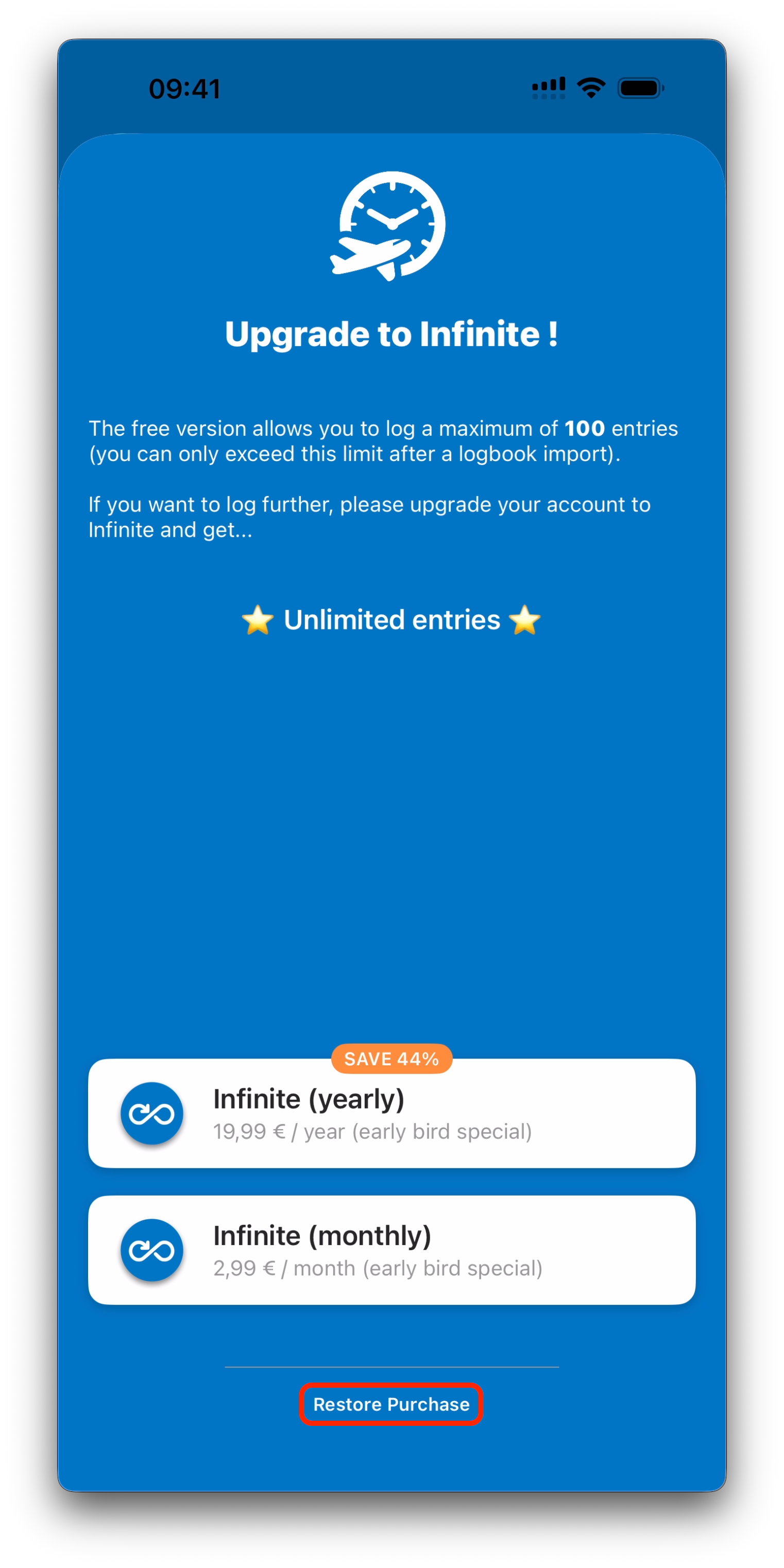
Use the Restore Purchase option
Contact IPL support through the Help section if needed
Best Practice
Subscriptions are designed to keep IPL sustainable while remaining simple and transparent:
Try IPL freely first
Upgrade only when you need unlimited logging
Manage everything securely through Apple
Your logbook data remains available regardless of subscription status.
What’s Next
Next, we will conclude this collection with Support, Feedback & Feature Requests, where IPL provides access to help articles, direct support, bug reporting, and the community roadmap.
➡️ Continue with Support, Feedback & Feature Requests