Database Tools & Reset Options
Infinite Pilot Logbook includes a few database maintenance tools inside the Settings area. These options allow you to refresh IPL’s global reference database and, if needed, completely reset your personal logbook data.
Last updated 7 months ago
Accessing Database Tools
You can access these options from:
More → Settings → Database
This screen contains maintenance actions related to:
Your personal logbook database
IPL’s global airport and aircraft type database
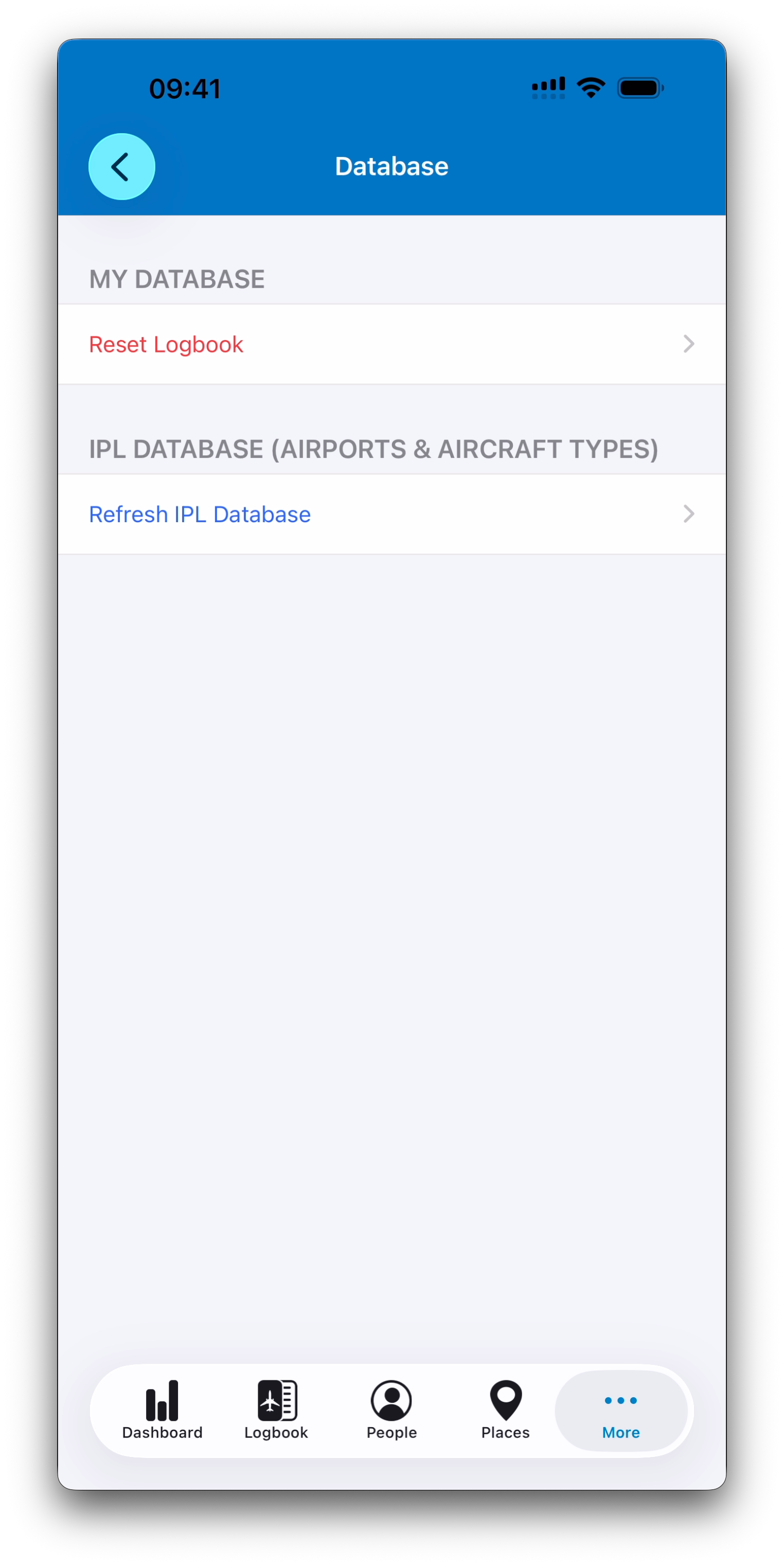
Reset Logbook: Clearing Your Personal Database
The Reset Logbook option allows you to remove all personal data stored inside IPL.
This includes:
Logbook entries
Aircraft and aircraft types
Places
People
Simulators
Certificates and qualifications
Resetting the logbook is essentially starting from a clean database, as if IPL were newly installed.
Confirmation Safeguards
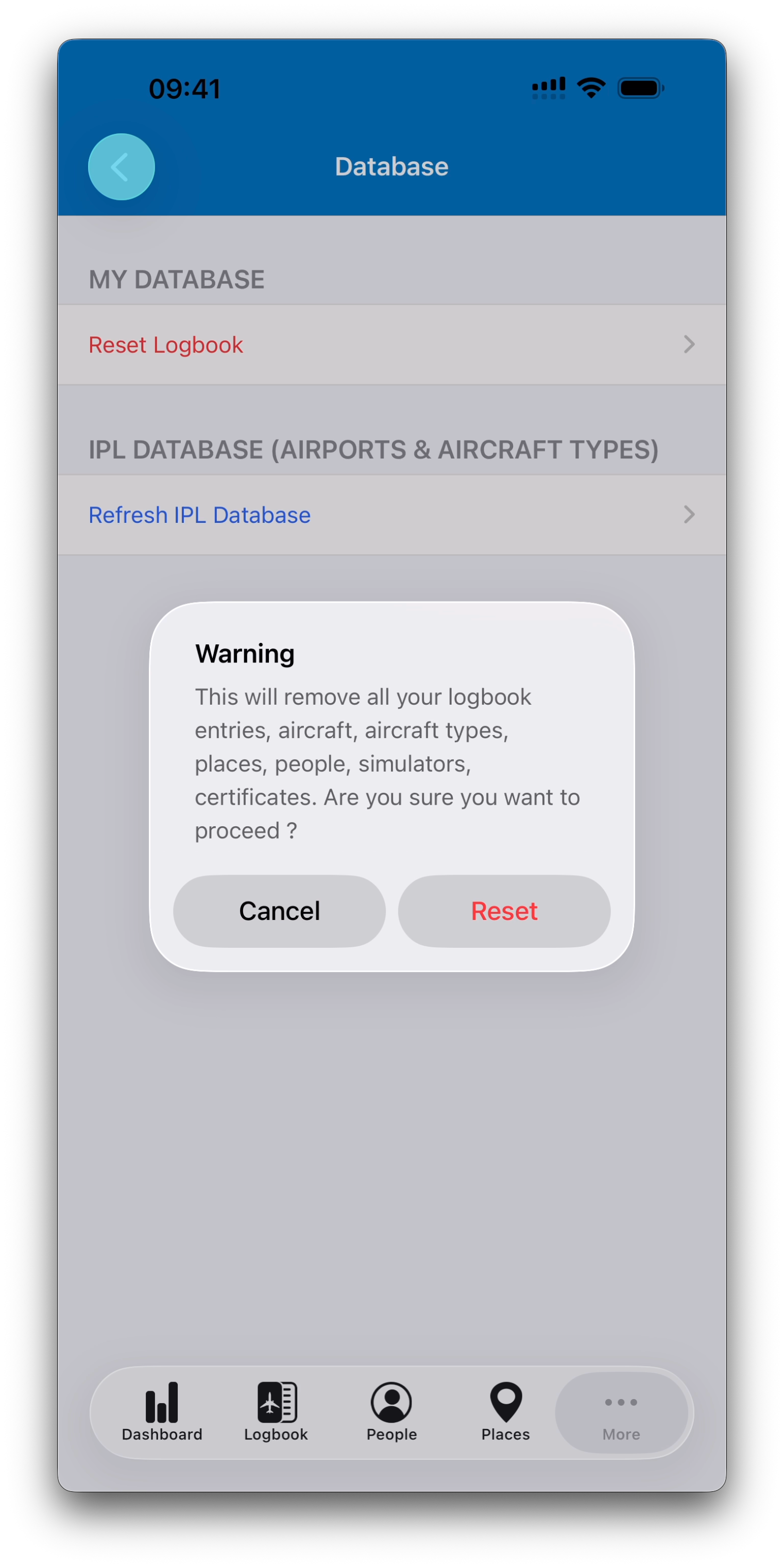
Because this action is irreversible, IPL requires a two-step confirmation before proceeding.
A final warning message is displayed, ensuring you explicitly confirm the reset.
When Should Reset Be Used?
Resetting is typically only useful in specific situations, such as:
Restarting after an incorrect import
Cleaning a test database
Preparing IPL for a fresh setup
In most real logbook scenarios, resetting should be avoided unless absolutely necessary.
Refresh IPL Database: Updating Global Reference Data
IPL also maintains a global reference database containing:
Airports
Aircraft types
The Refresh IPL Database option allows you to download the latest version of this shared dataset.
This can be helpful when:
New airports or aircraft types have been added
Global data has been updated
Unlike Reset Logbook, refreshing does not remove your personal entries — it only updates the built-in IPL reference database.
Best Practice
Database tools are designed for maintenance and exceptional situations, not daily usage.
Before using Reset Logbook, it is recommended to:
Ensure you do not need the existing data
Export your logbook if appropriate
Contact support if unsure
These tools give full control over your database while preserving safety through confirmation steps.
What’s Next
Next, we will cover Subscriptions & Upgrade to Infinite, where IPL unlocks unlimited logbook entries through Apple’s secure in-app purchase system.
➡️ Continue with Subscriptions & Upgrade to Infinite